
HOME PAGE
Y PHLOW PRODUCT SUMMARY
What it is: A global No-Code, AI-powered visual engine to build and deploy interactive, node-based user journeys (from onboarding and manuals to exams, surveys and complex workflows) seamlessly running across native mobile and web from a single runtime.
The Innovation: A contextual graph canvas with a unique Zero-Configuration architecture, where the active node, UI layout, adapt instantly at runtime based entirely on the input content with no manual setup.
The Outcomes & Insights: It features built-in evaluation logic for automated scoring, captures comprehensive interaction history with AI-generated insights, and allows instant white-label distribution to your audience.
The Paradigm Shift: While traditional tools force you to waste hours wrestling with complex logic branching and layout setups, Y Phlow lets you focus entirely on the "What" instead of the "How."
Y Phlow is available to download free from the mobile app stores and features a web app with featured Phlows



Google Play store | Apple AppStore | Web Application
Current stable version: 0.9.1 | Published: June 23rd, 2026
Y Phlow began as a platform for creating polls and surveys, originally introduced under the name "Y Survey" and evolved far beyond traditional survey use cases.
What started as a simple tool asking question and offering choices evolved into a flexible, AI driven system for building structured interactions, decisions and FLOWS of logic — and that evolution gave it its name: Y PHLOW.
Y Phlow helps creating any possible interactive process based on prompts and answers, with Choices, Forms, Checklists and many more, all in the unique graph canvas, always displaying the full context of the current node.
Polls ✧ Surveys ✧ Questionnaire ✧ Exams ✧ Onboarding ✧ Workflows ✧User manuals ✧ Reservations ✧ Admissions ✧ Eula forms and more.
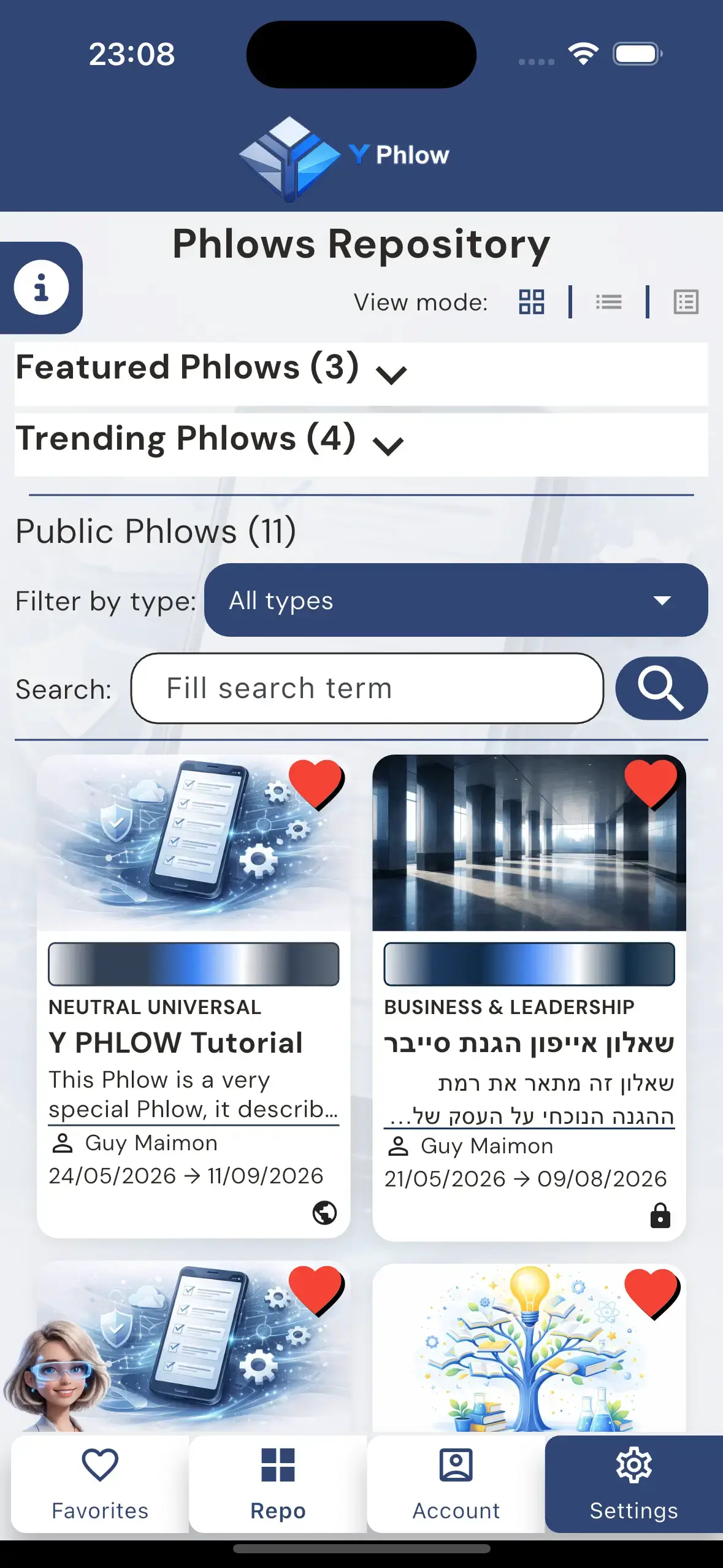
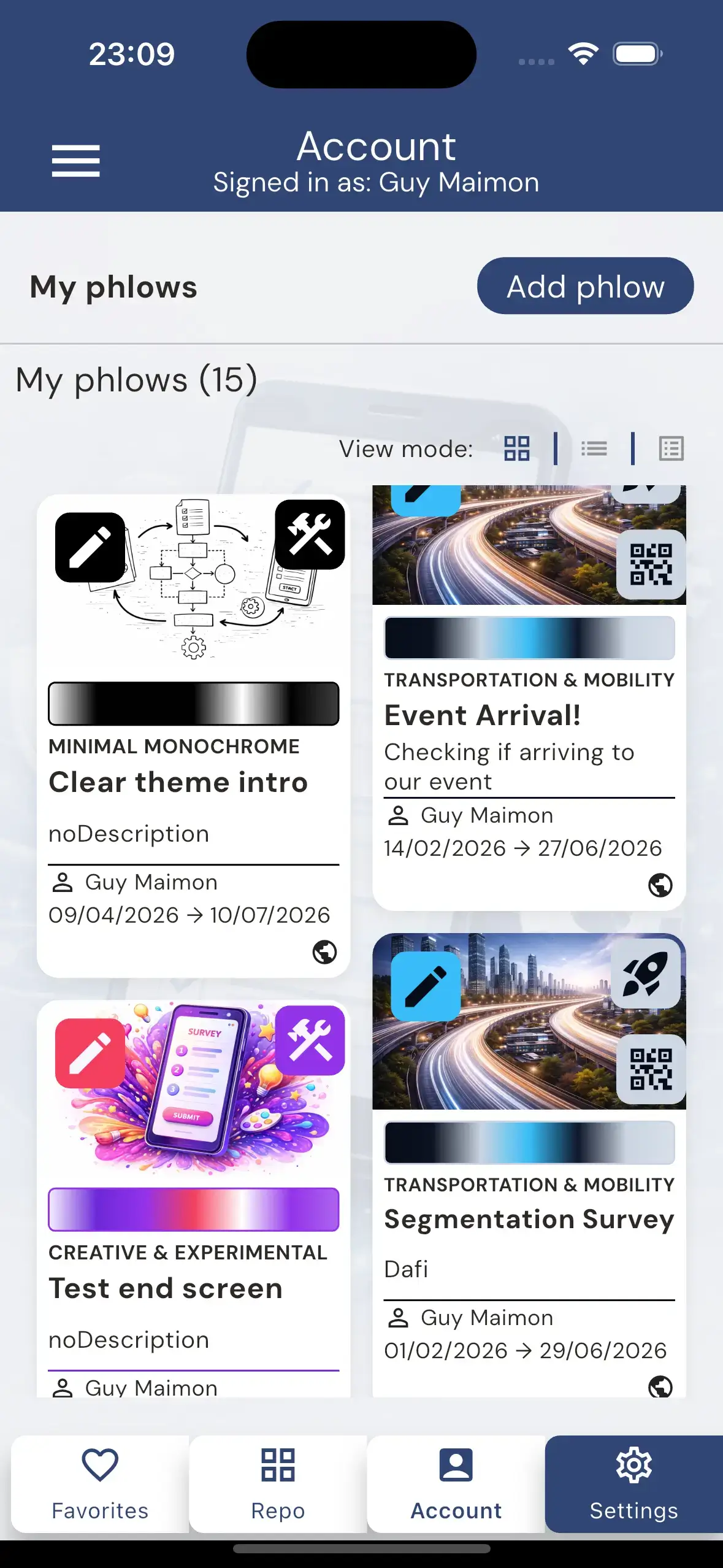
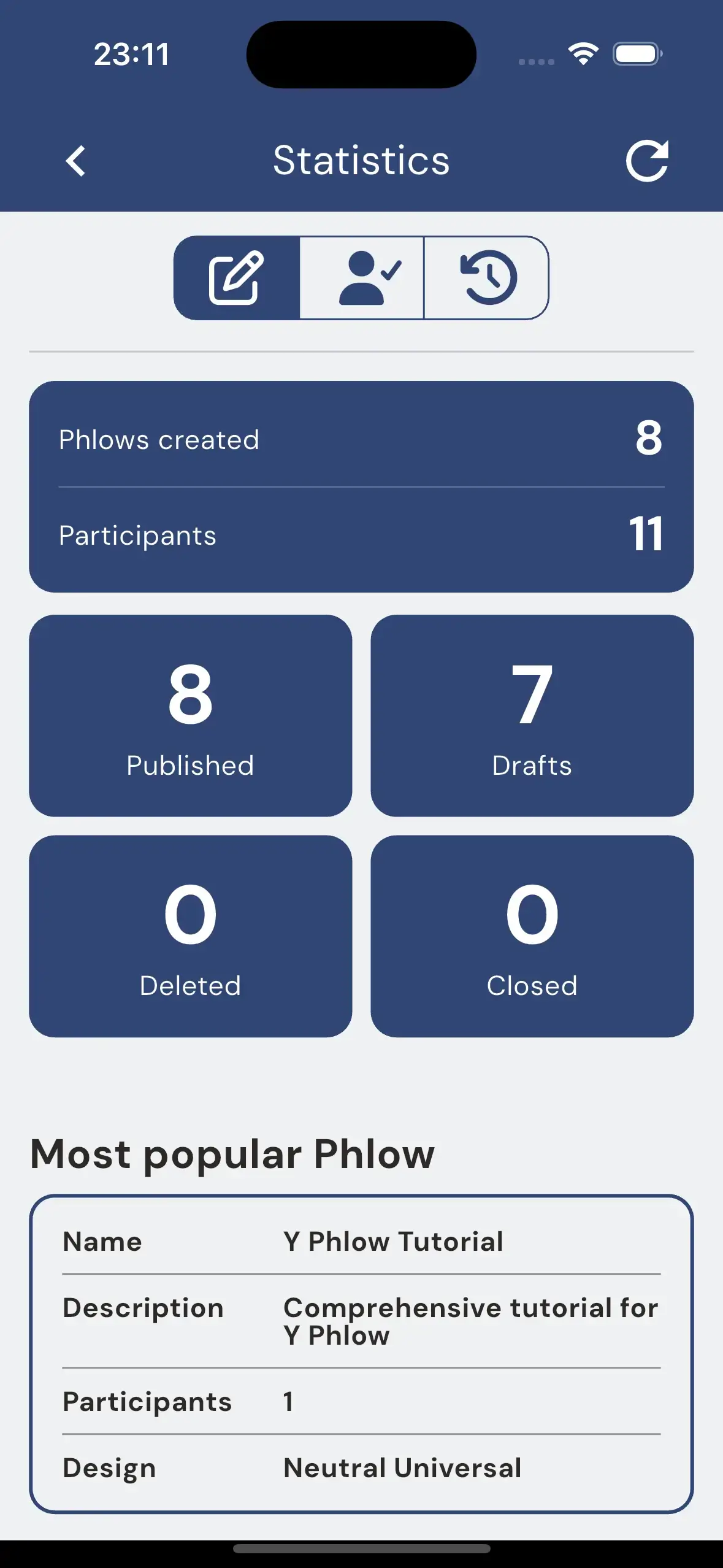
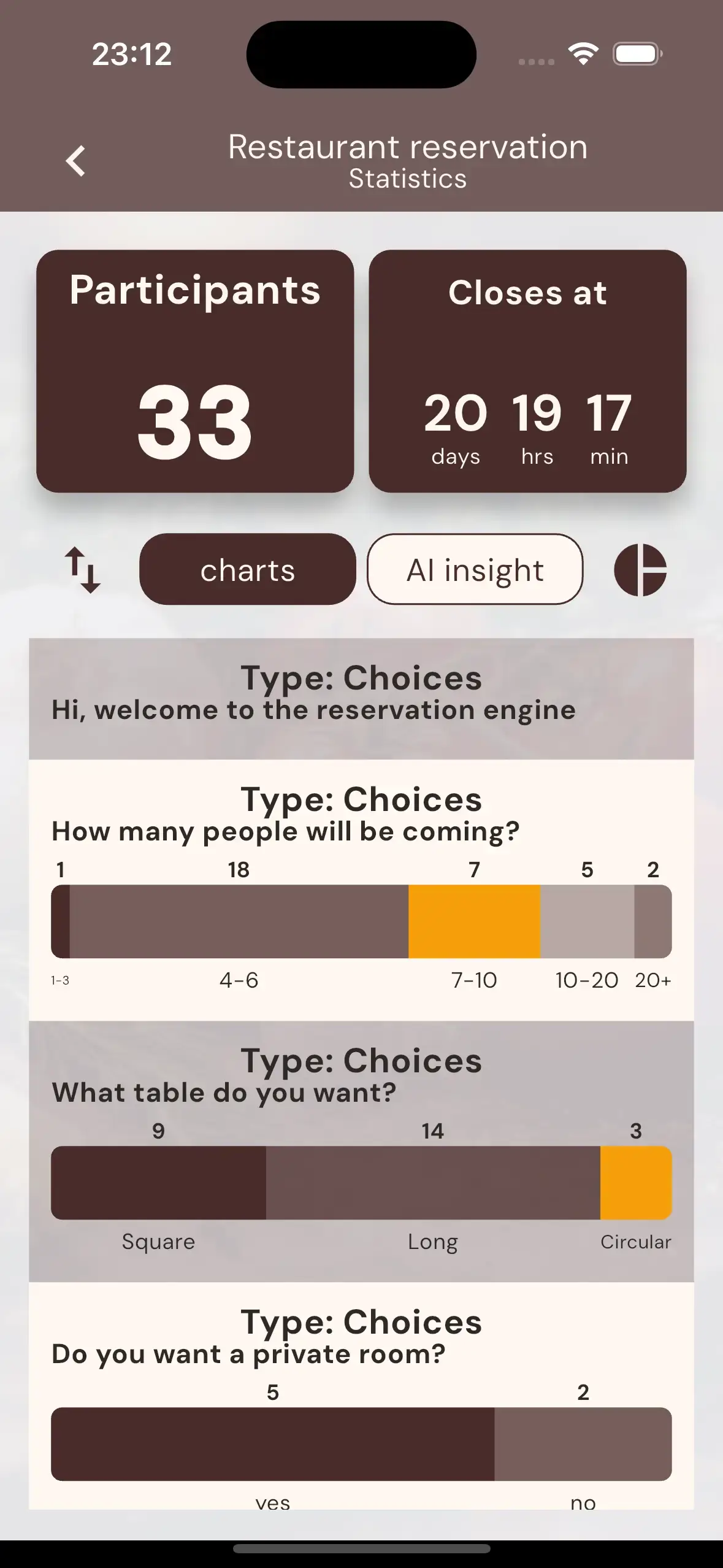
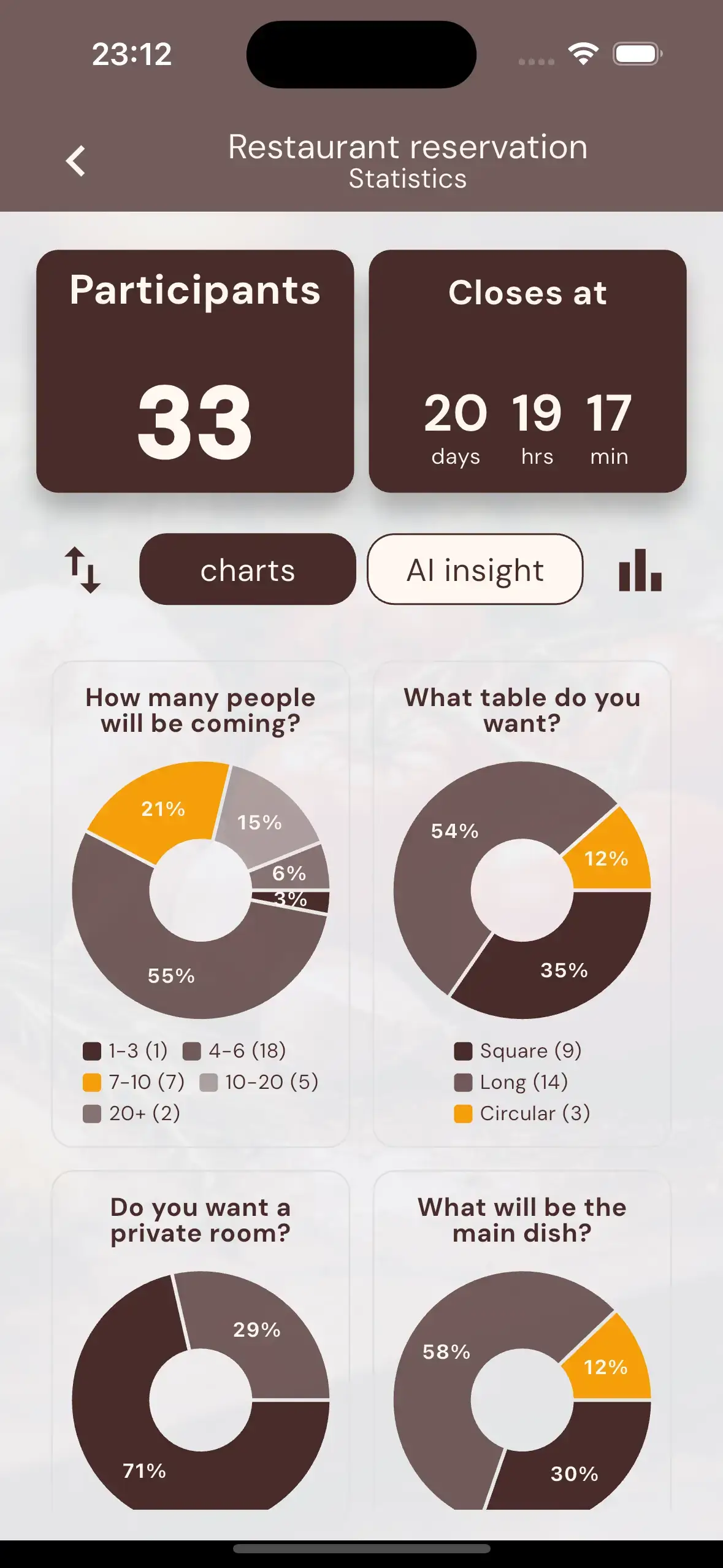
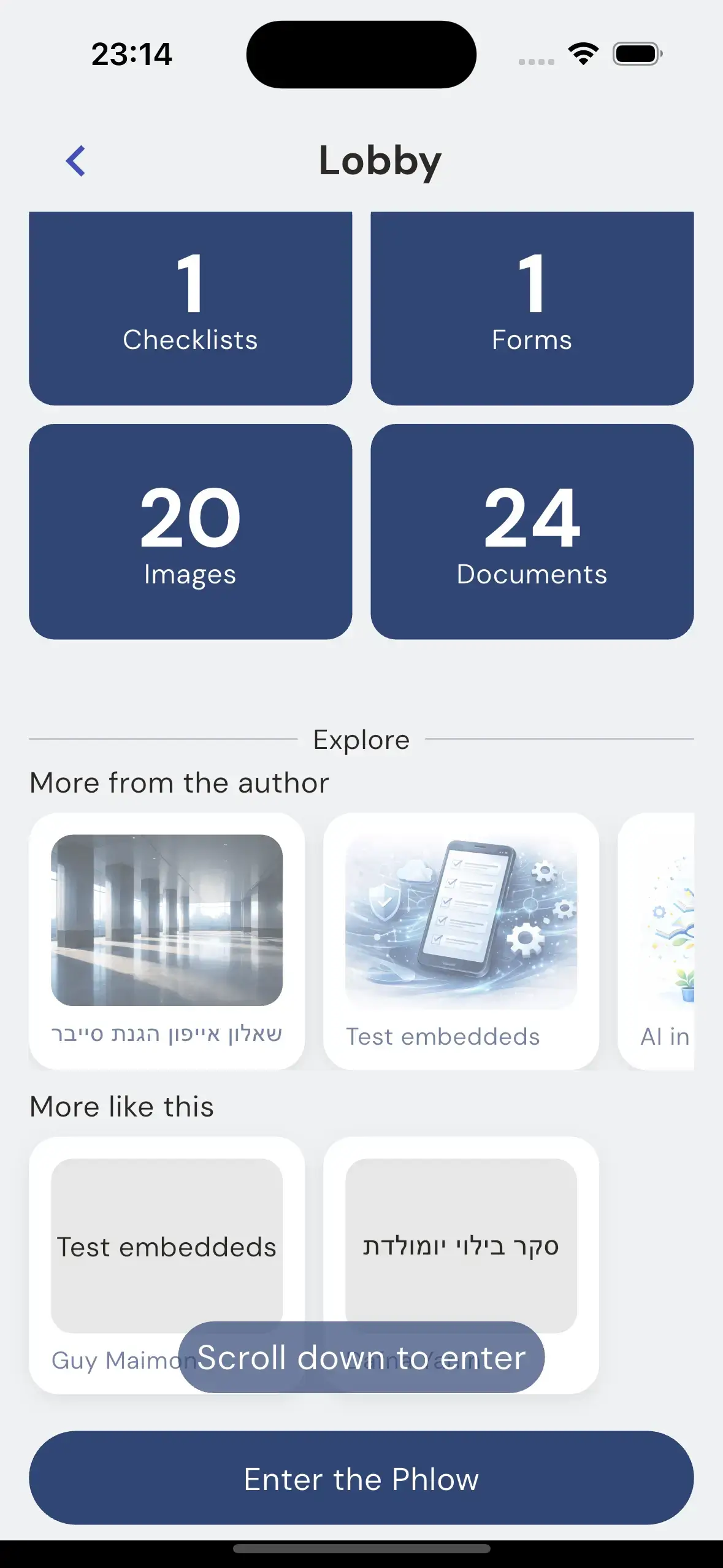
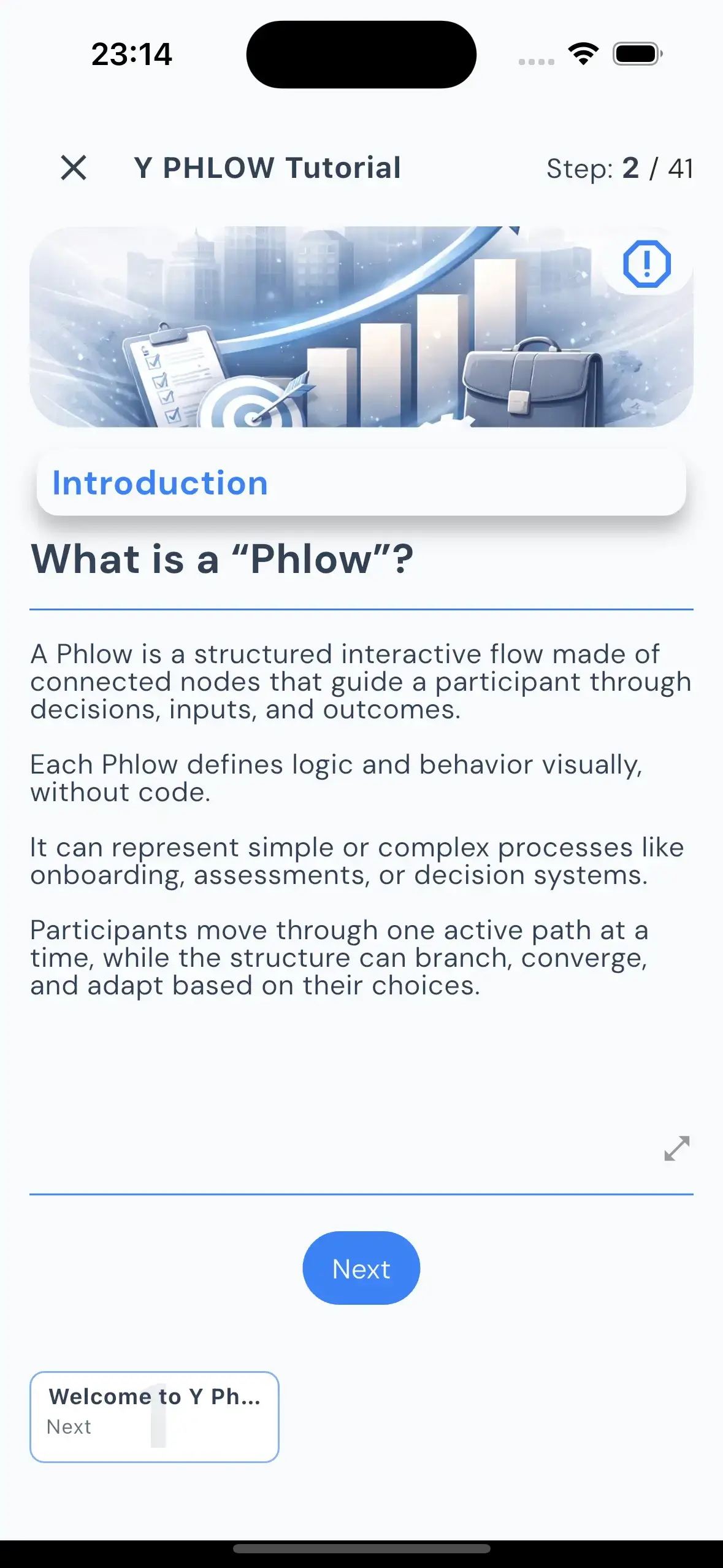
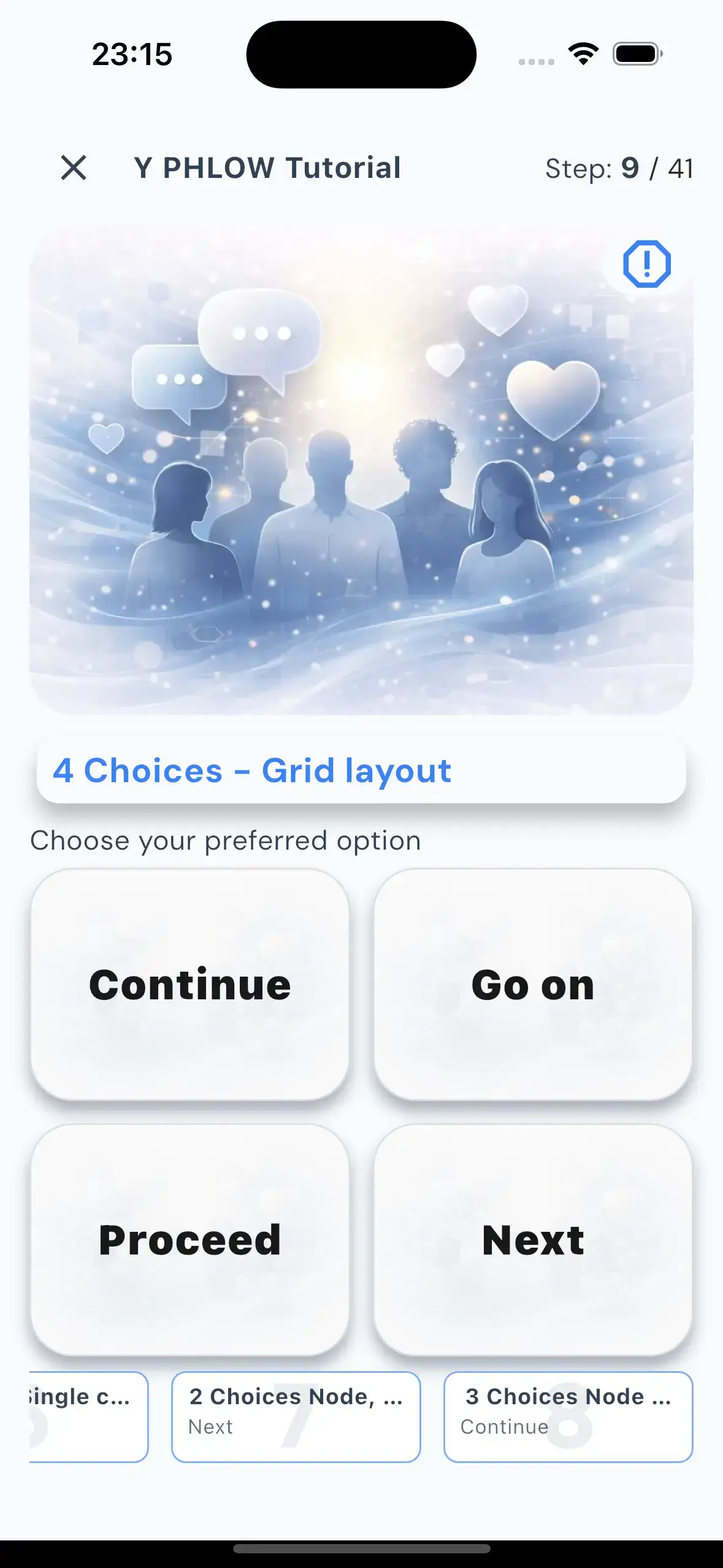
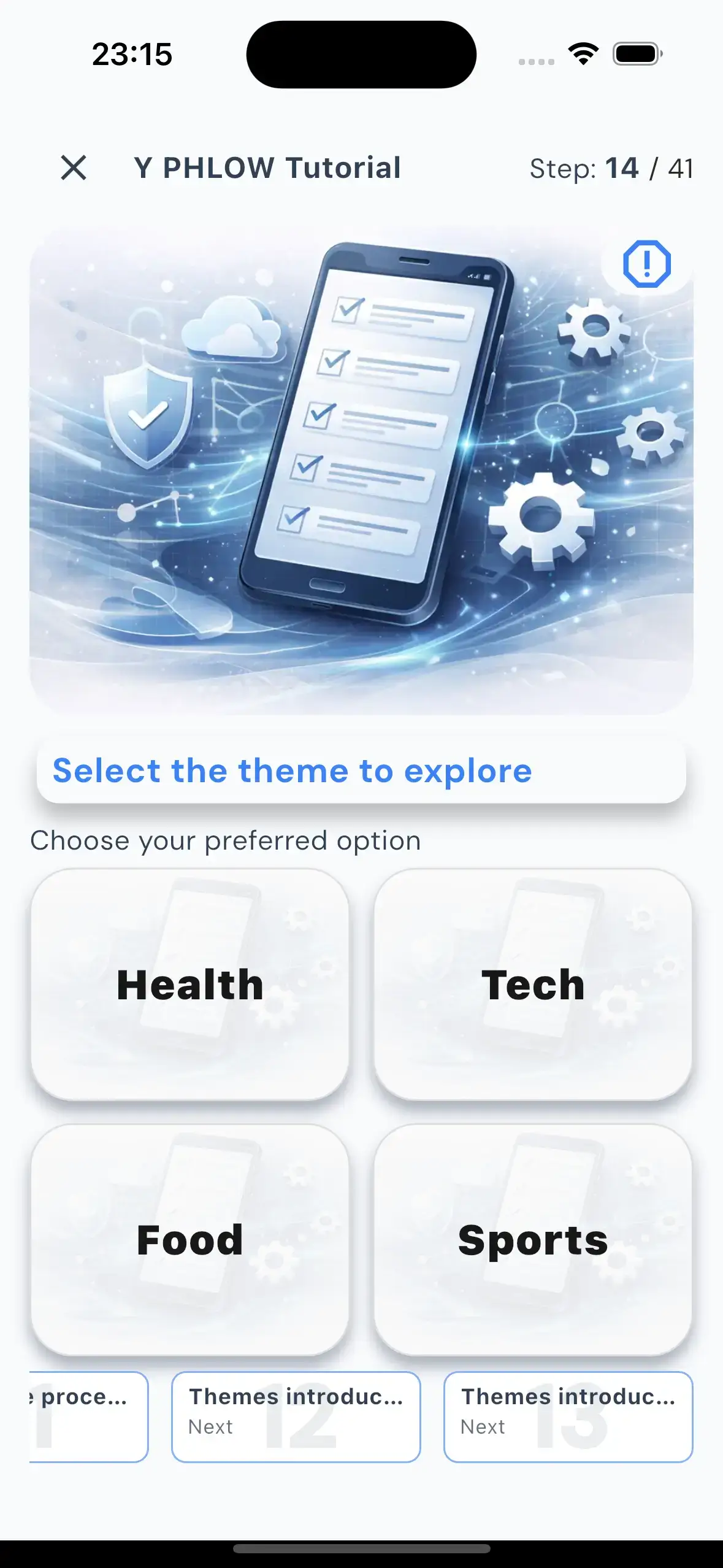
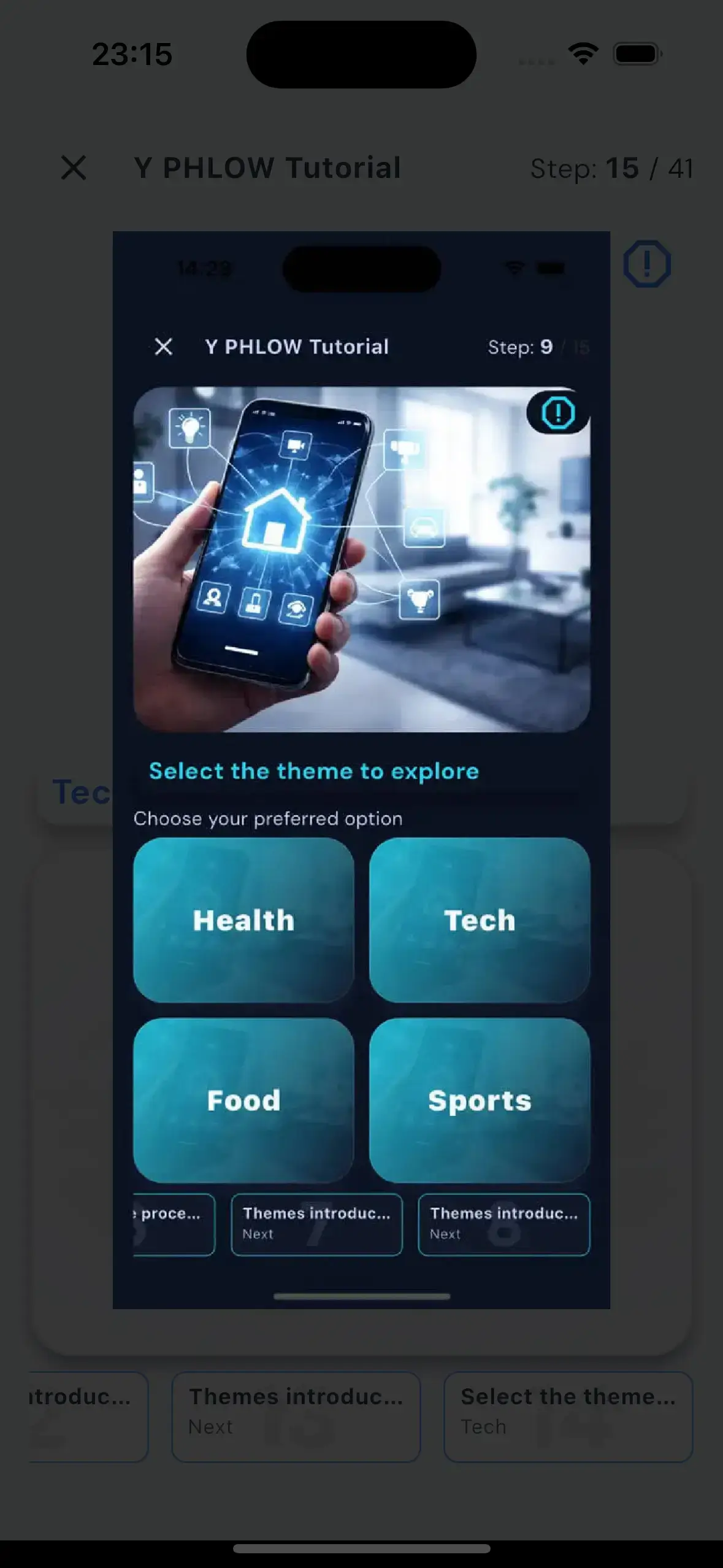
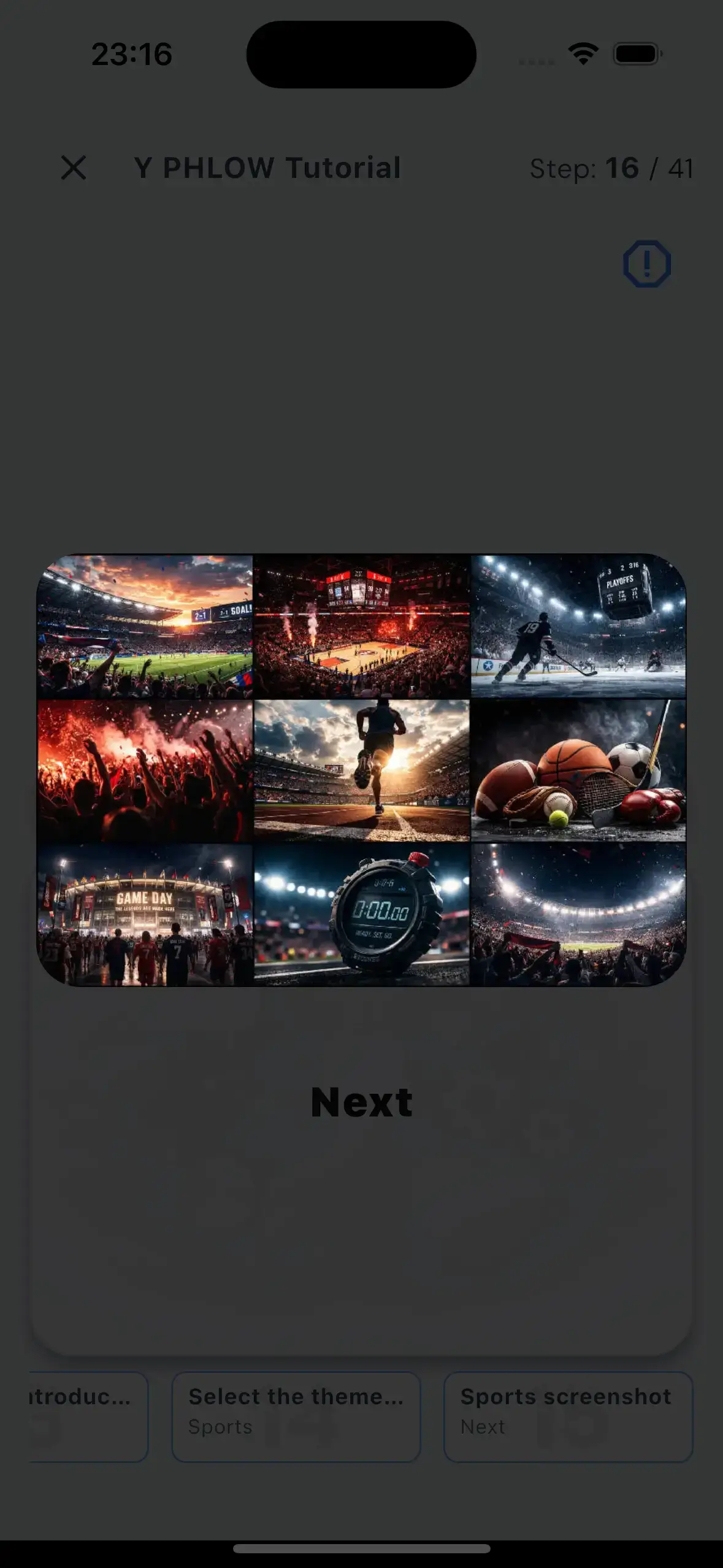
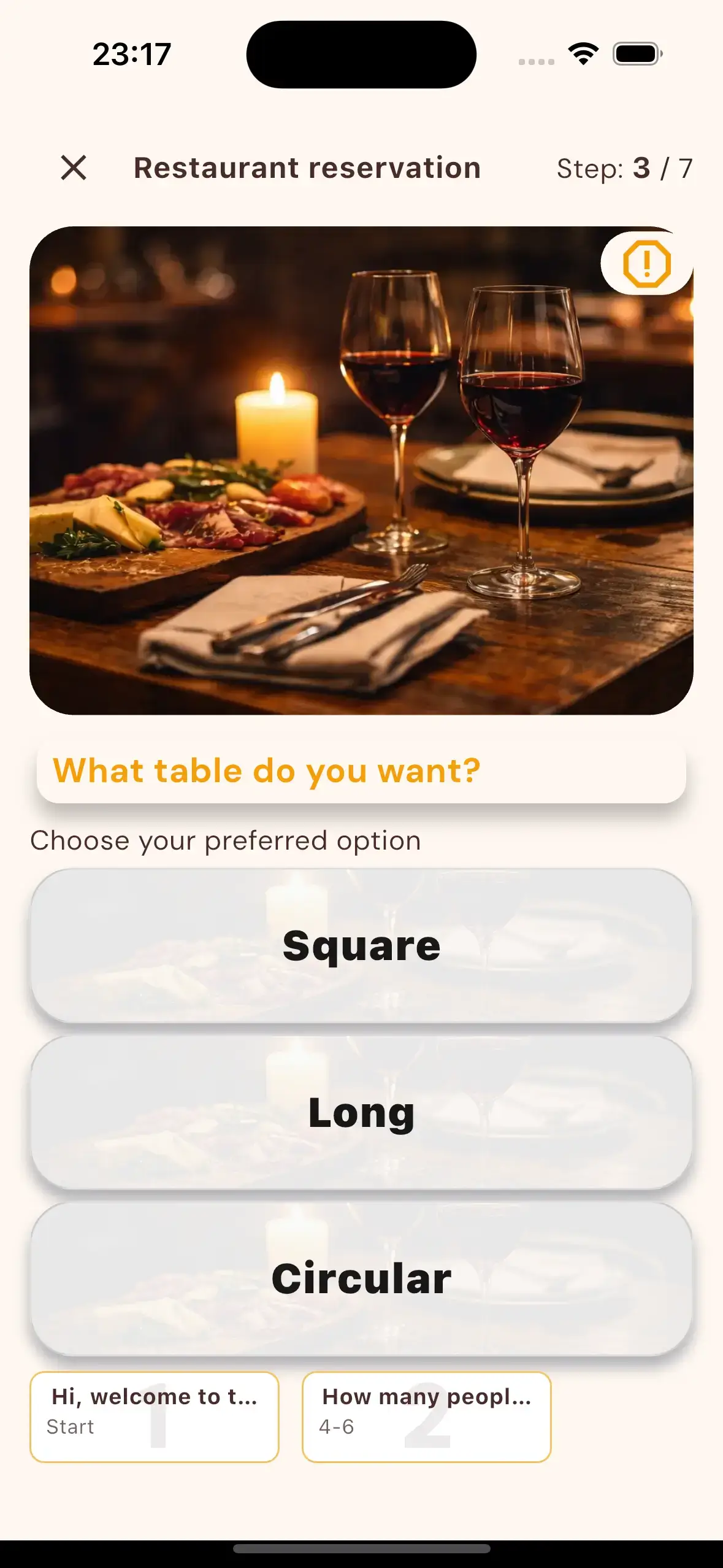
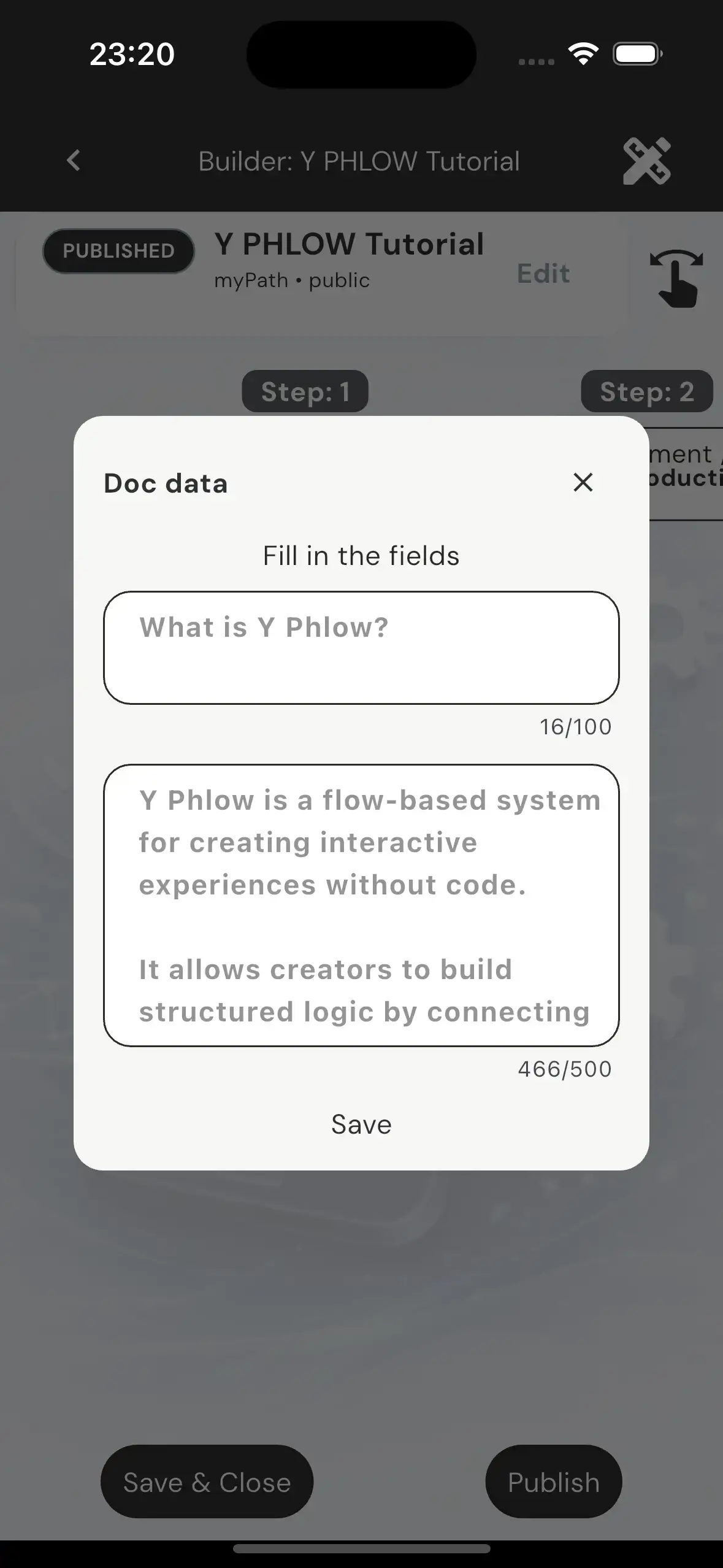
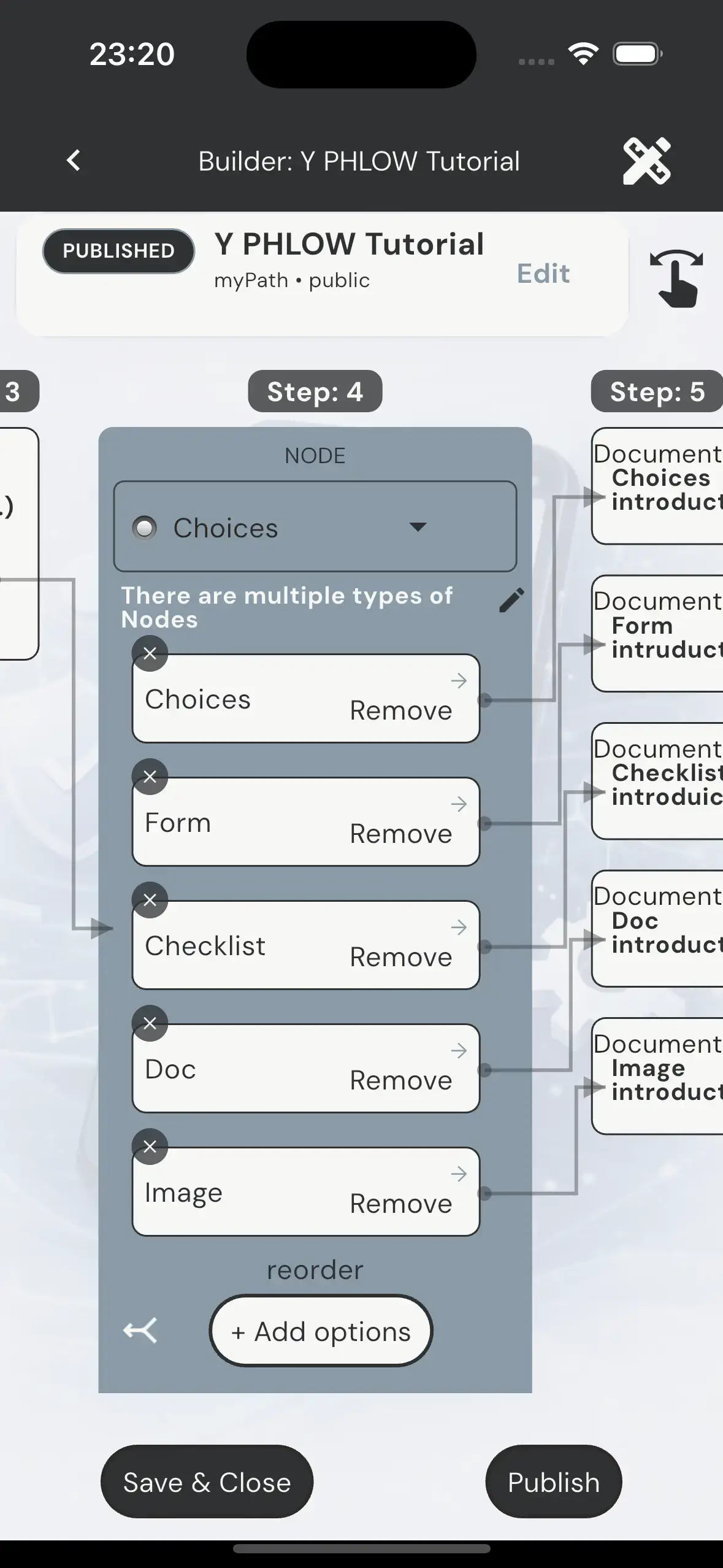
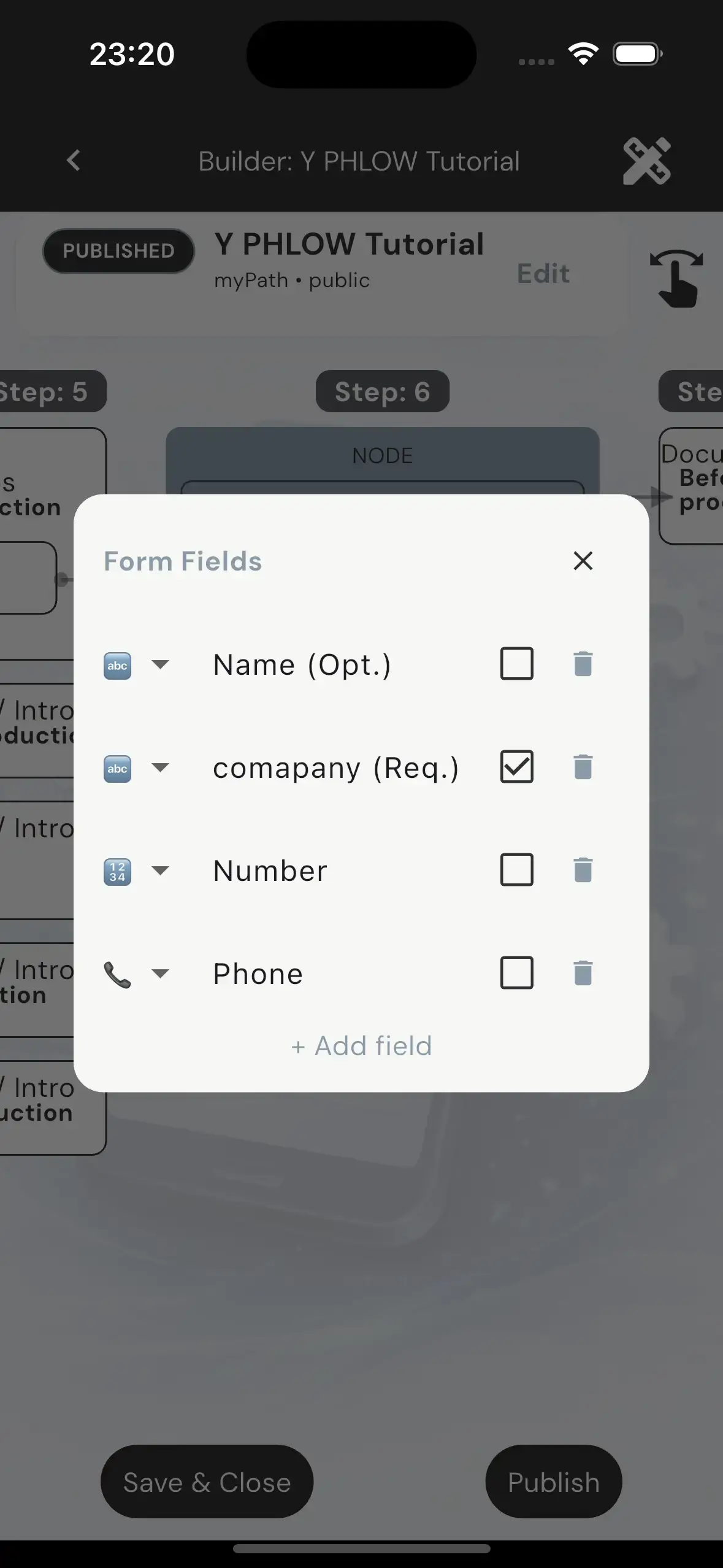
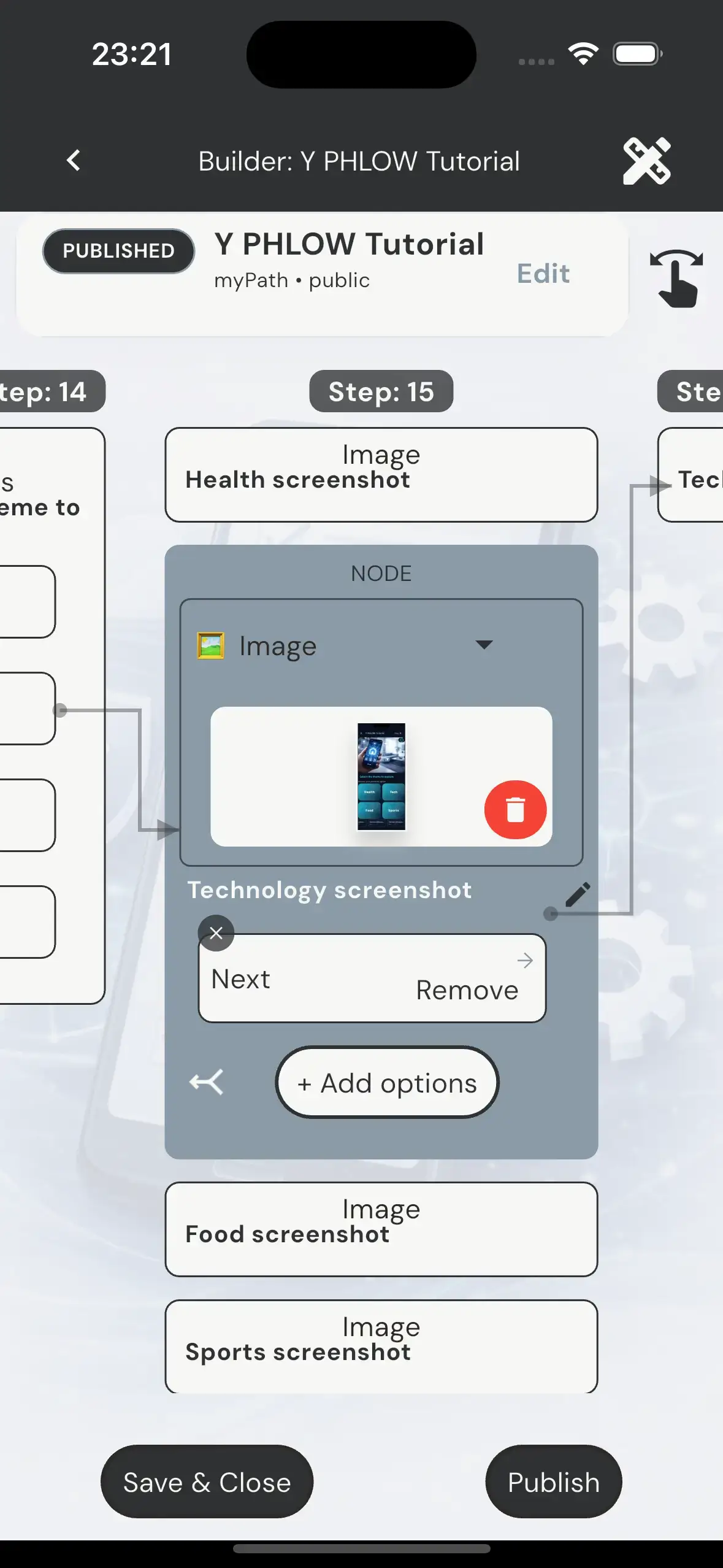
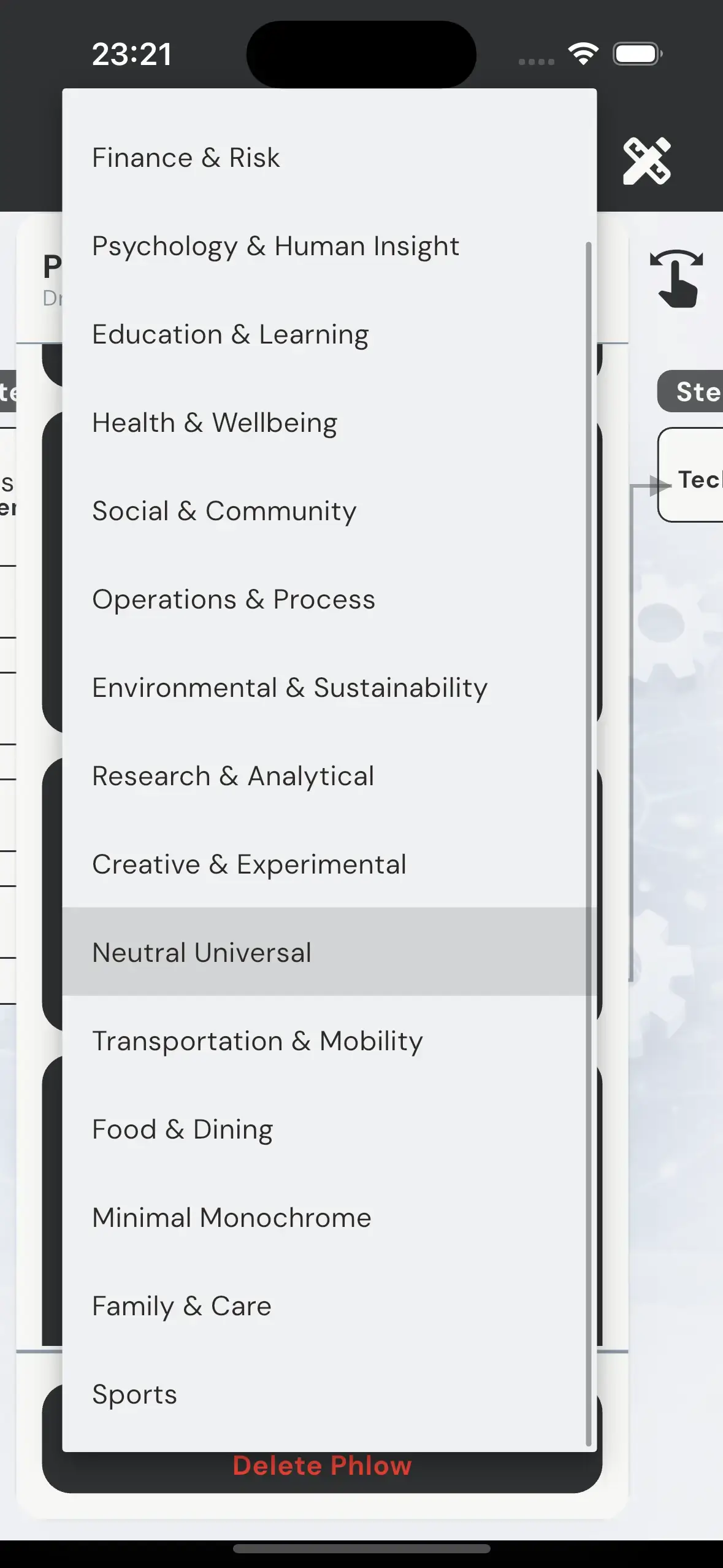
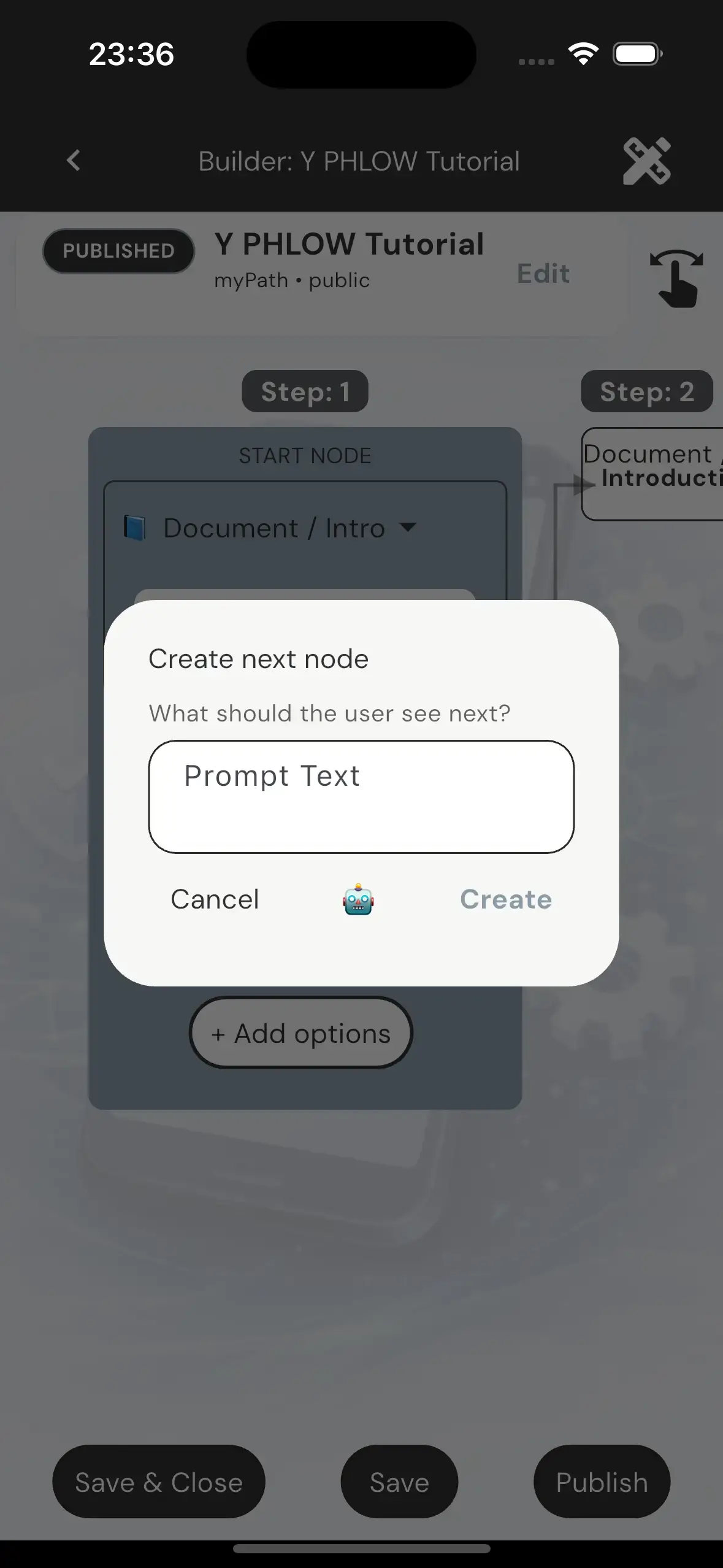
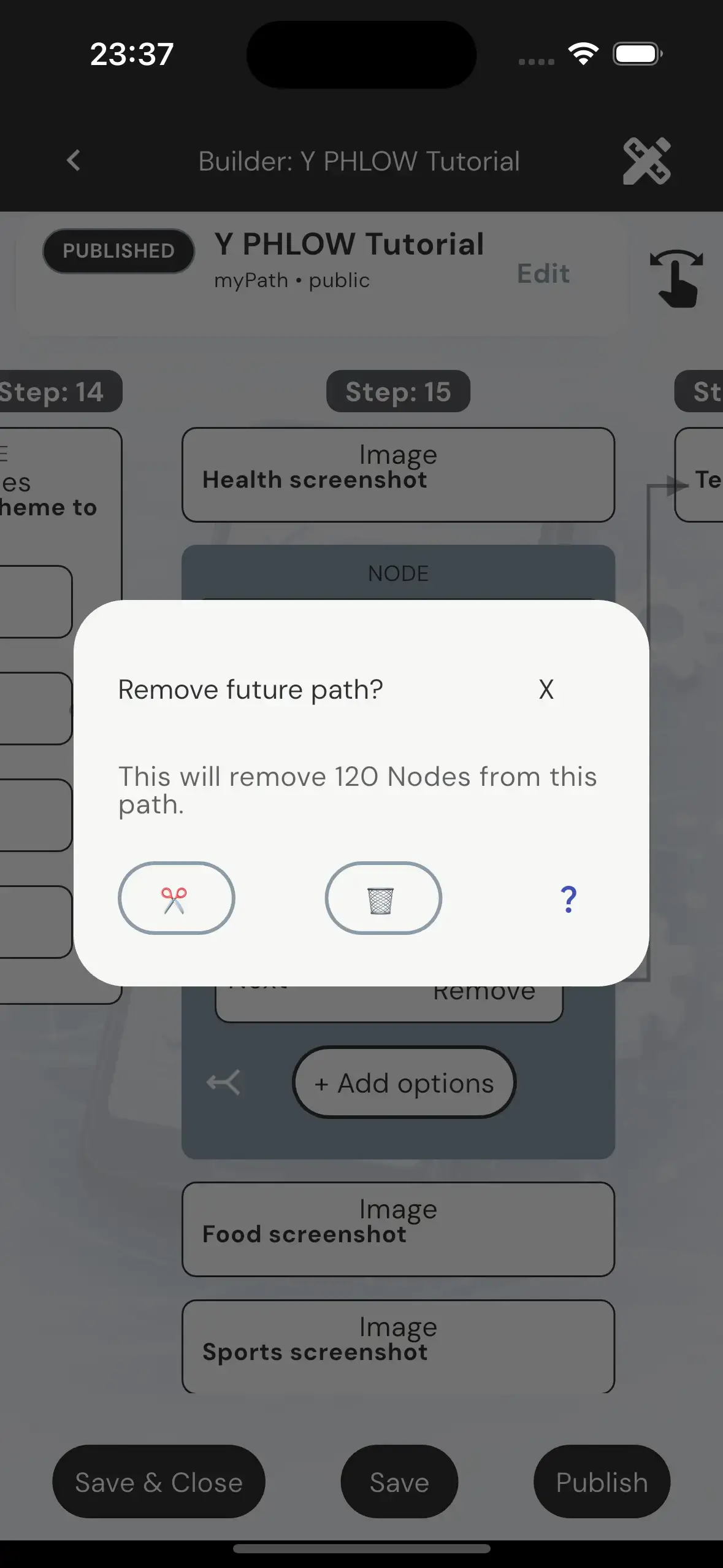
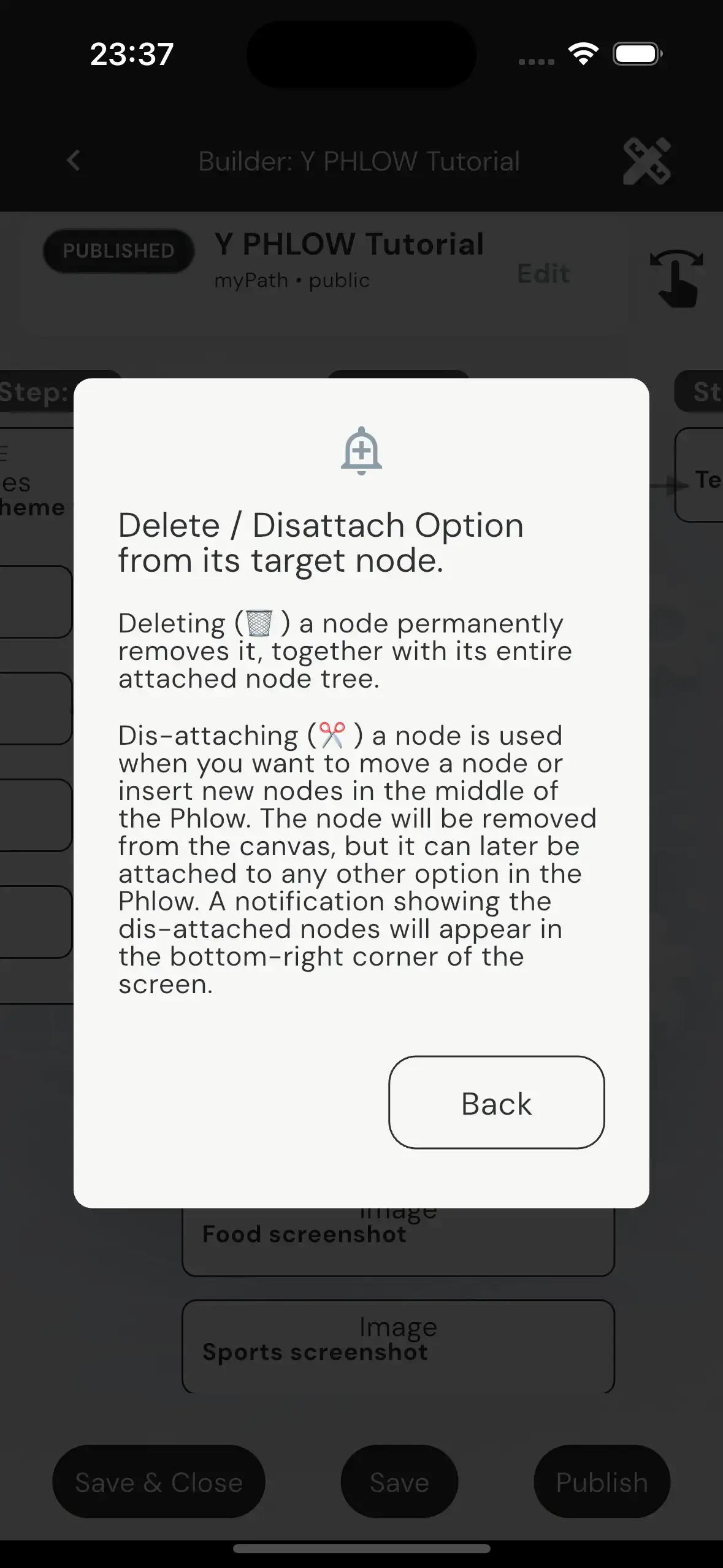
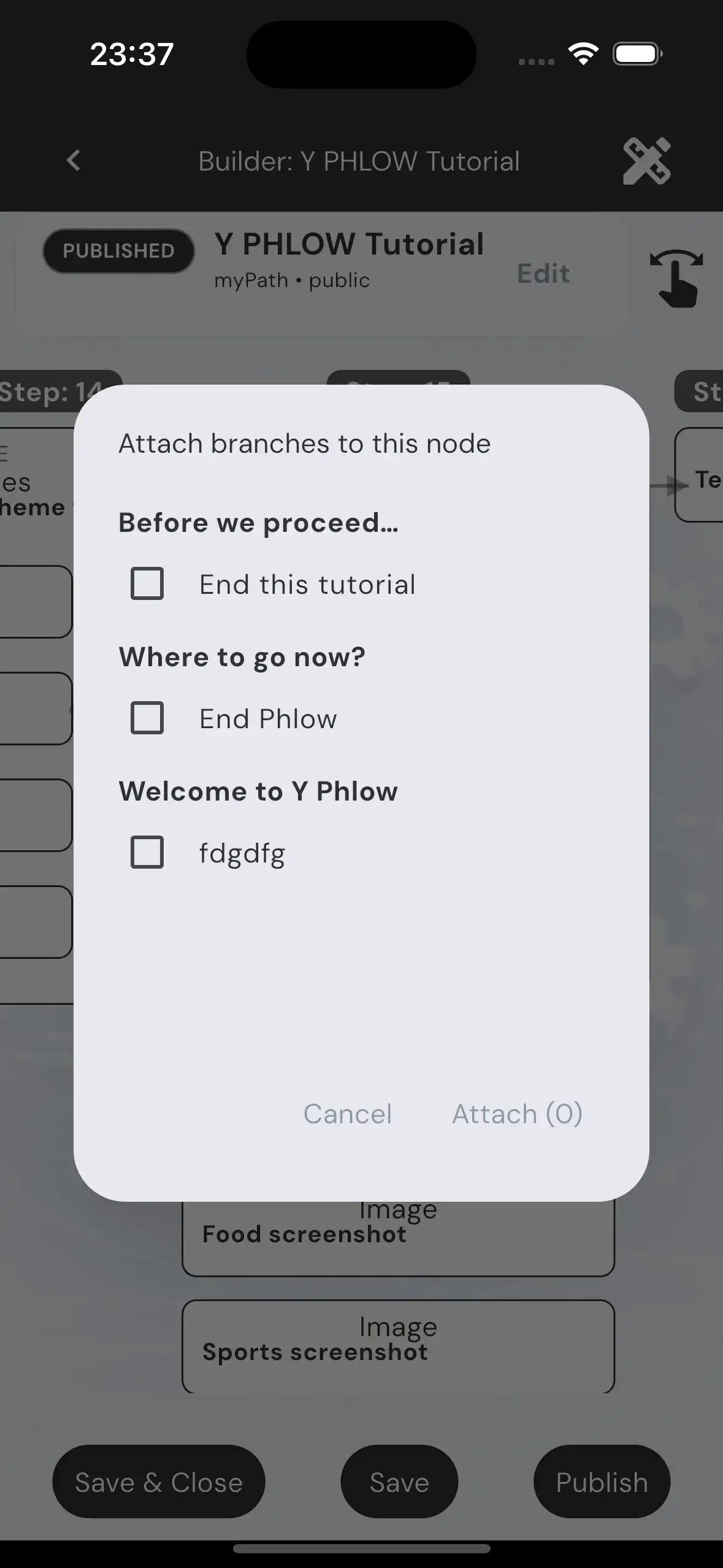

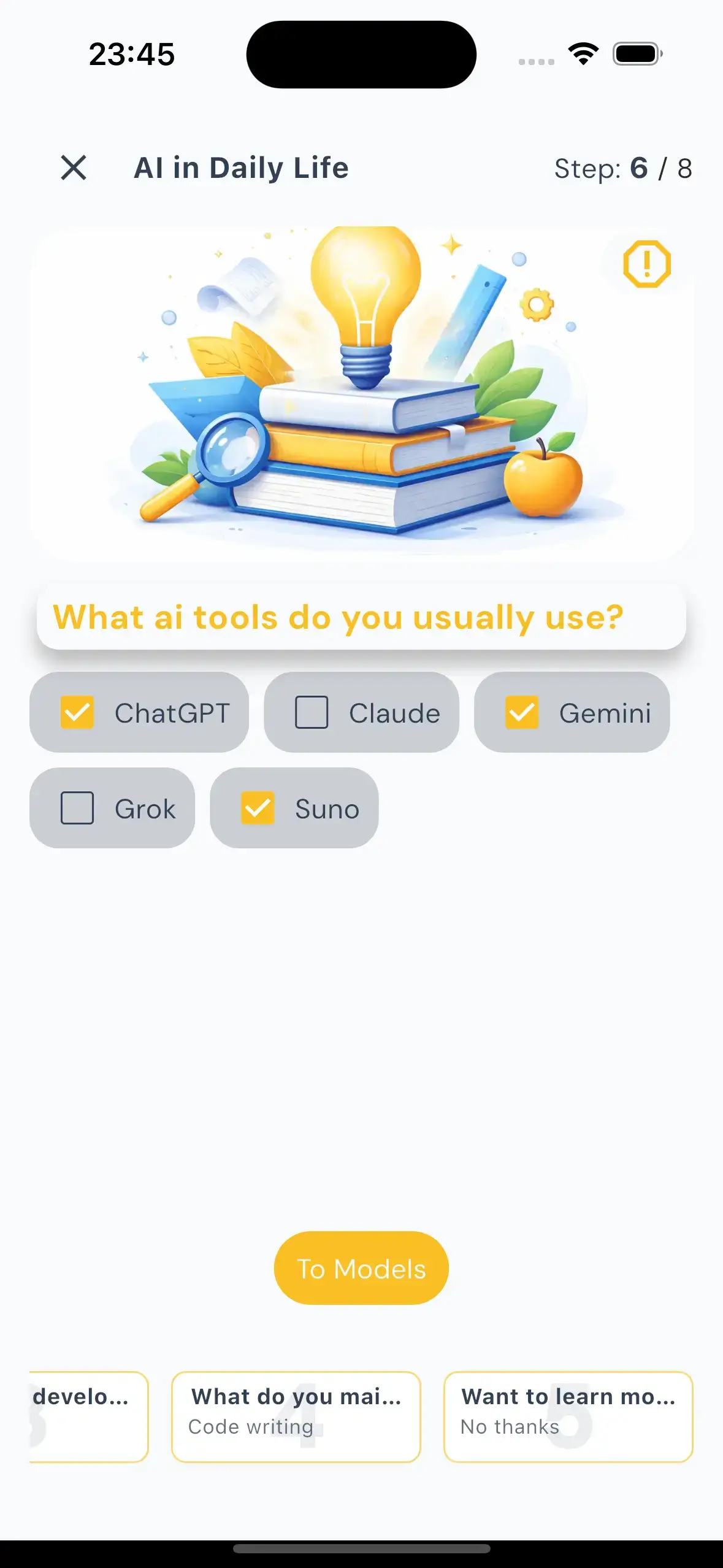
Experience Y Phlow in your browser, No registration or sign in needed, Full featured participation experience of all the Public Phlows Repository and Y Phlow Tutorial that demonstrates the capabilities.
Learn Y Phlow through a Phlow, built in Y Phlow, explaining Phlow.
BASICS
Y Phlow is a visual engine for building dynamic, node-based experiences without writing code. Authors connect steps, decisions, actions, and outcomes into structured flows that can support anything from onboarding and manuals to exams, schedulers, automation, and complex business logic.

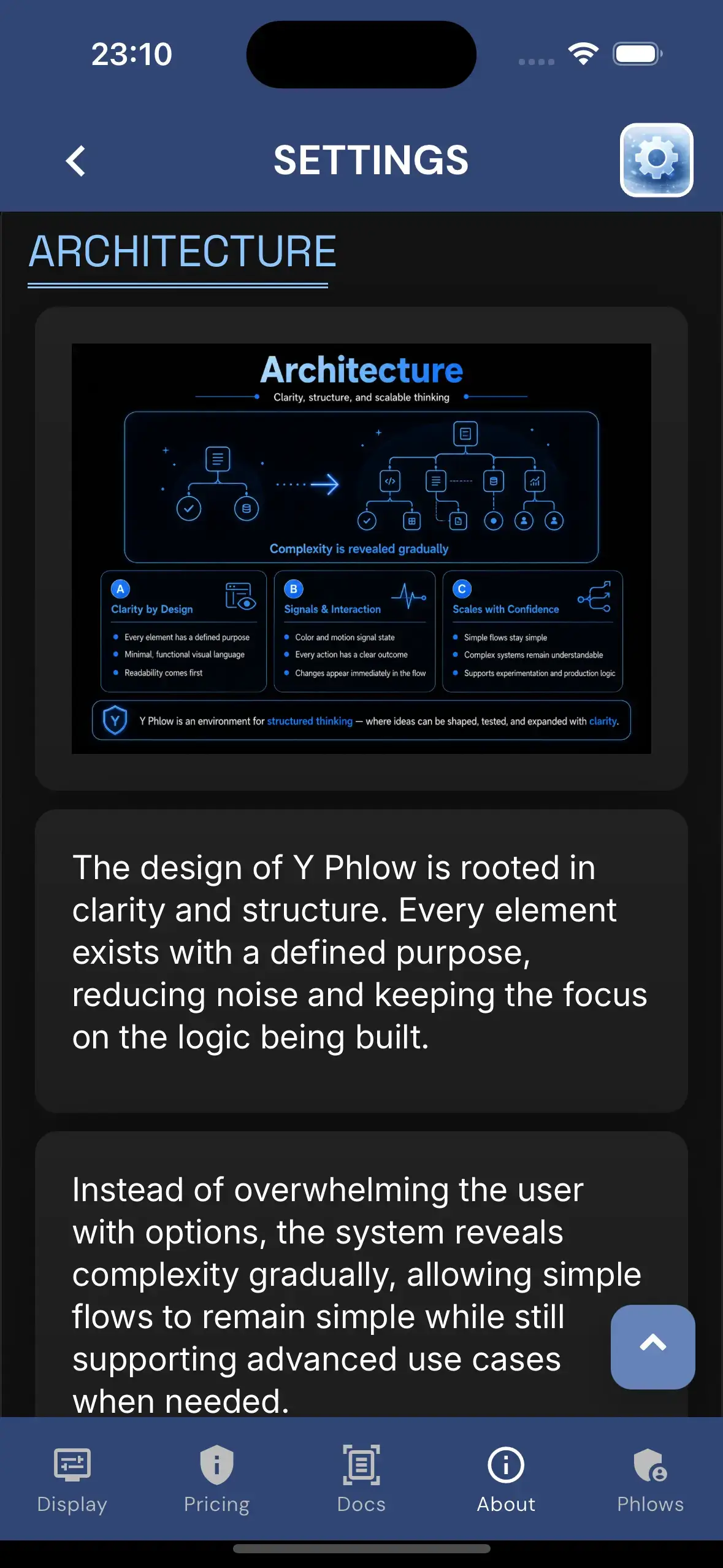
Y Phlow is built around clarity, structure, and predictable interaction. Its architecture keeps simple flows clean while revealing advanced capabilities only when needed, allowing ideas to grow from quick experiments into complex systems without losing readability or control.
Y Phlow turns an idea into an interactive experience: build the flow, share it with your audience, let participants move through it, and understand the results through real-time activity and insights.

ARCHITECTURE
Y Phlow is built around clarity, structure, and predictable interaction. Its architecture keeps simple flows clean while revealing advanced capabilities only when needed, allowing ideas to grow from quick experiments into complex systems without losing readability or control.

DESIGN
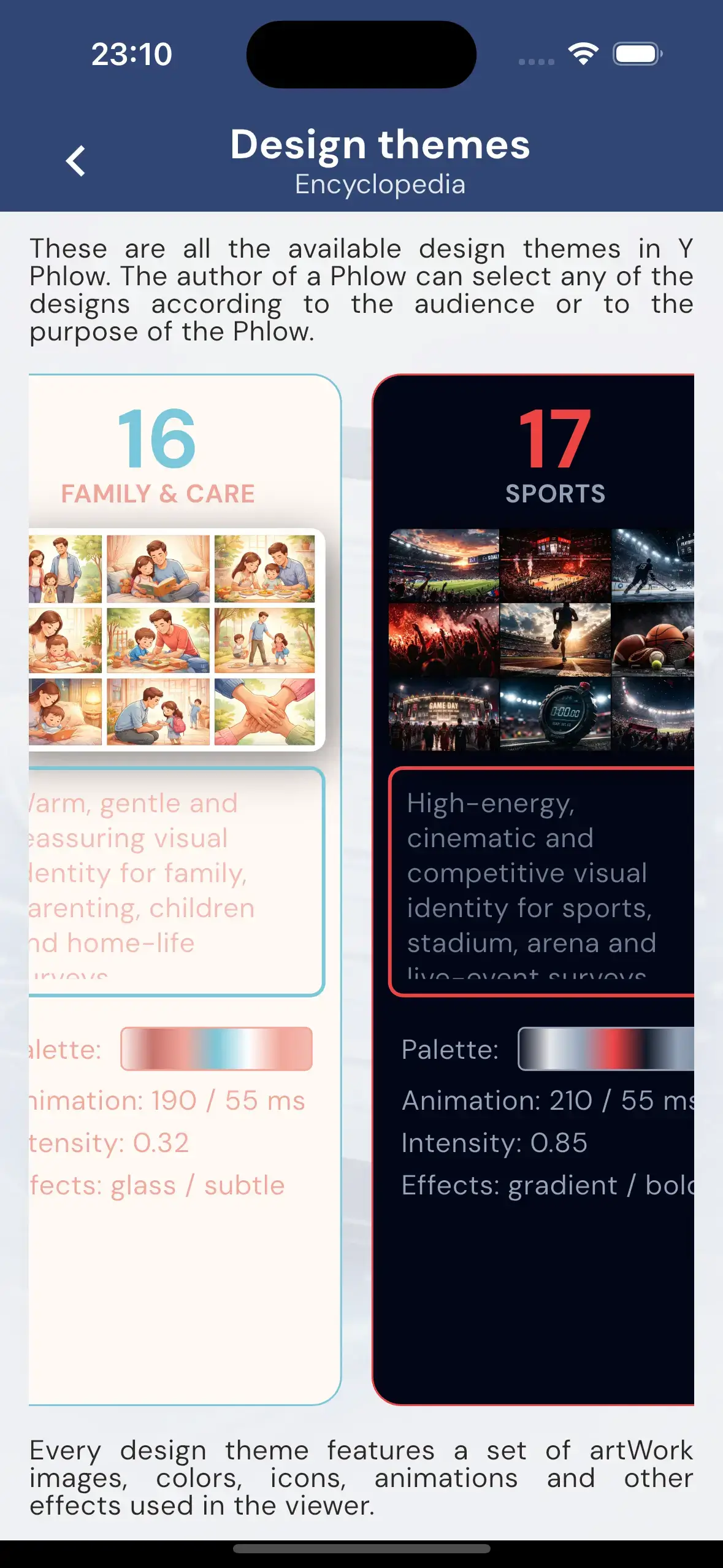
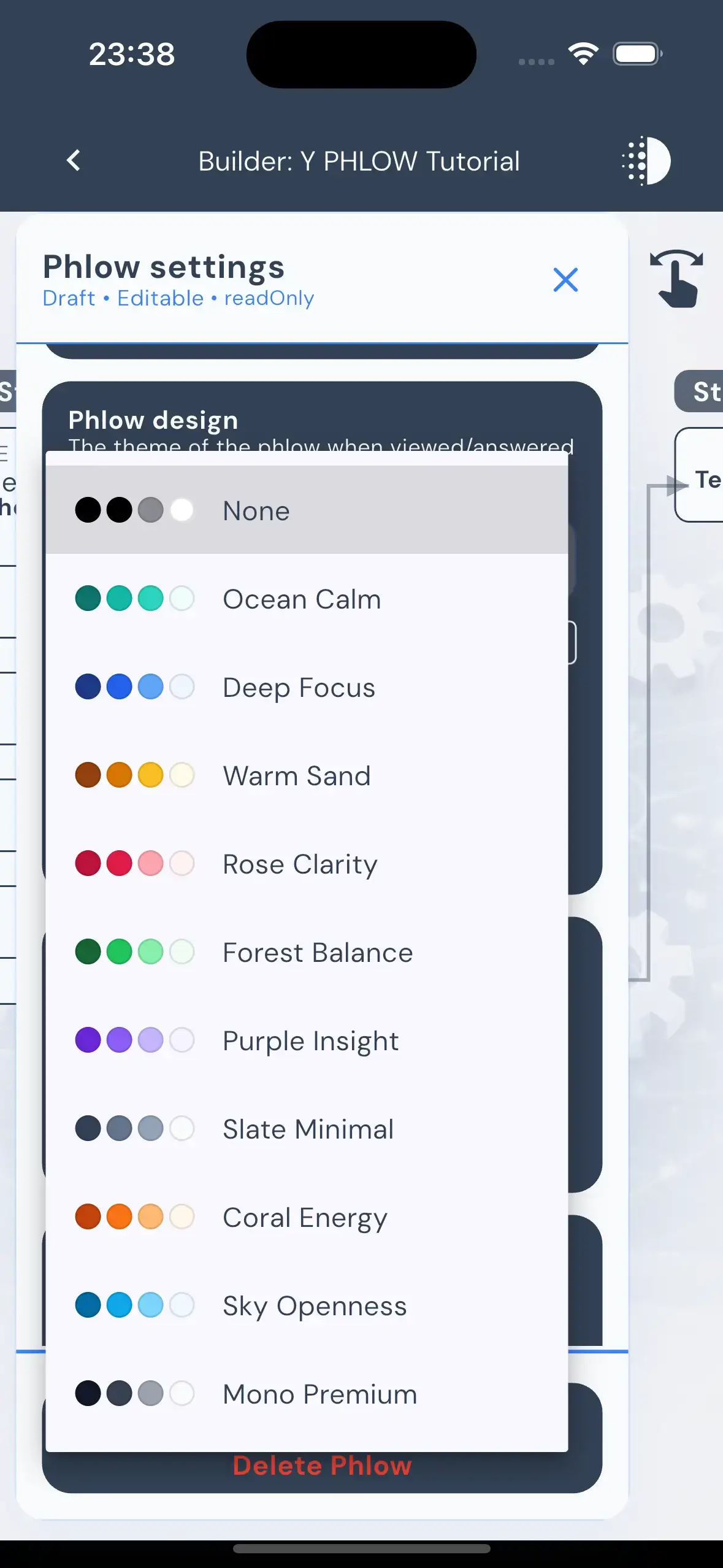
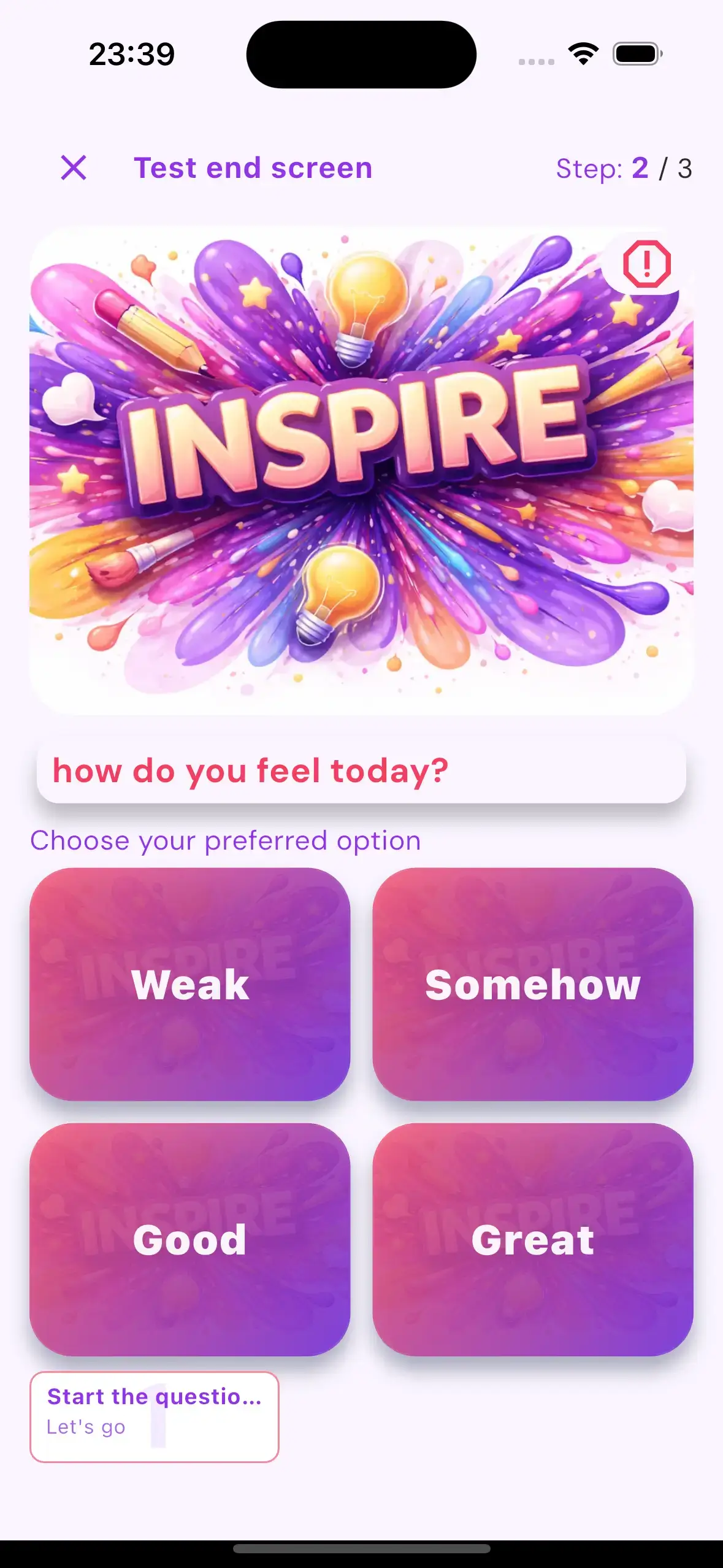
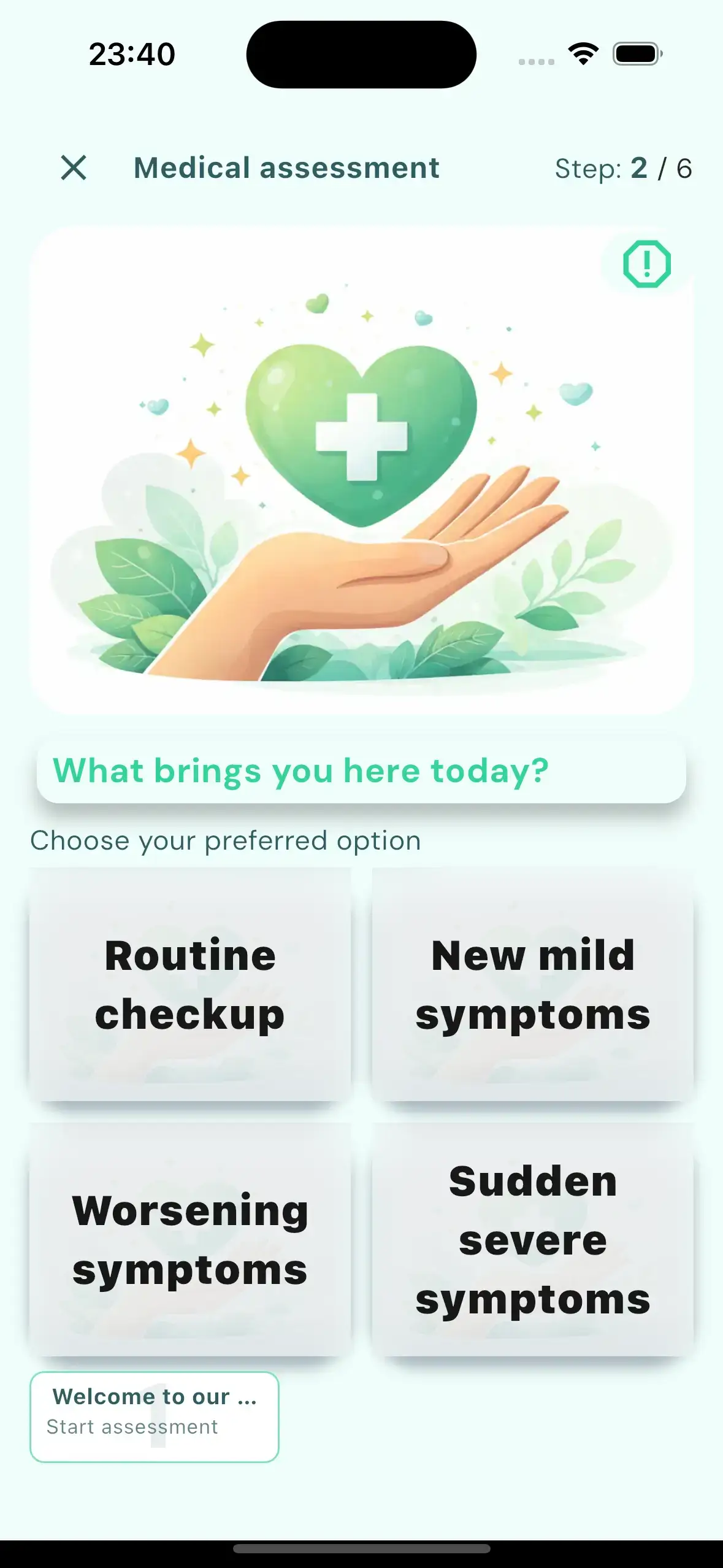
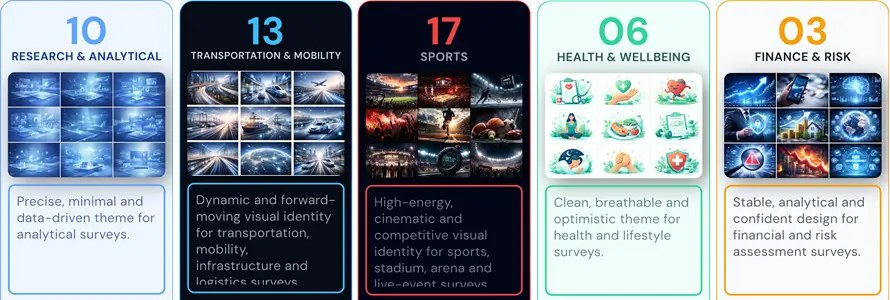
Y Phlow themes define the complete visual and behavioral layer of a Phlow — from imagery, colors, typography, spacing, and buttons to overlays, motion, selection behavior, and interaction rhythm. Each theme gives the same underlying logic a different atmosphere, allowing every Phlow to match its purpose, audience, and emotional tone, Y Phlow also also includes the ability to create "Private design" for specific organization or user.

PHLOW EVALUATION
Y Phlow includes built-in evaluation logic that allows a Phlow to produce meaningful, traceable outcomes. As participants move through nodes, selected options can carry values that accumulate across the journey, supporting scores, pass/fail results, compliance checks, decision support, and other measurable conclusions.

SAFETY AND MODERATION
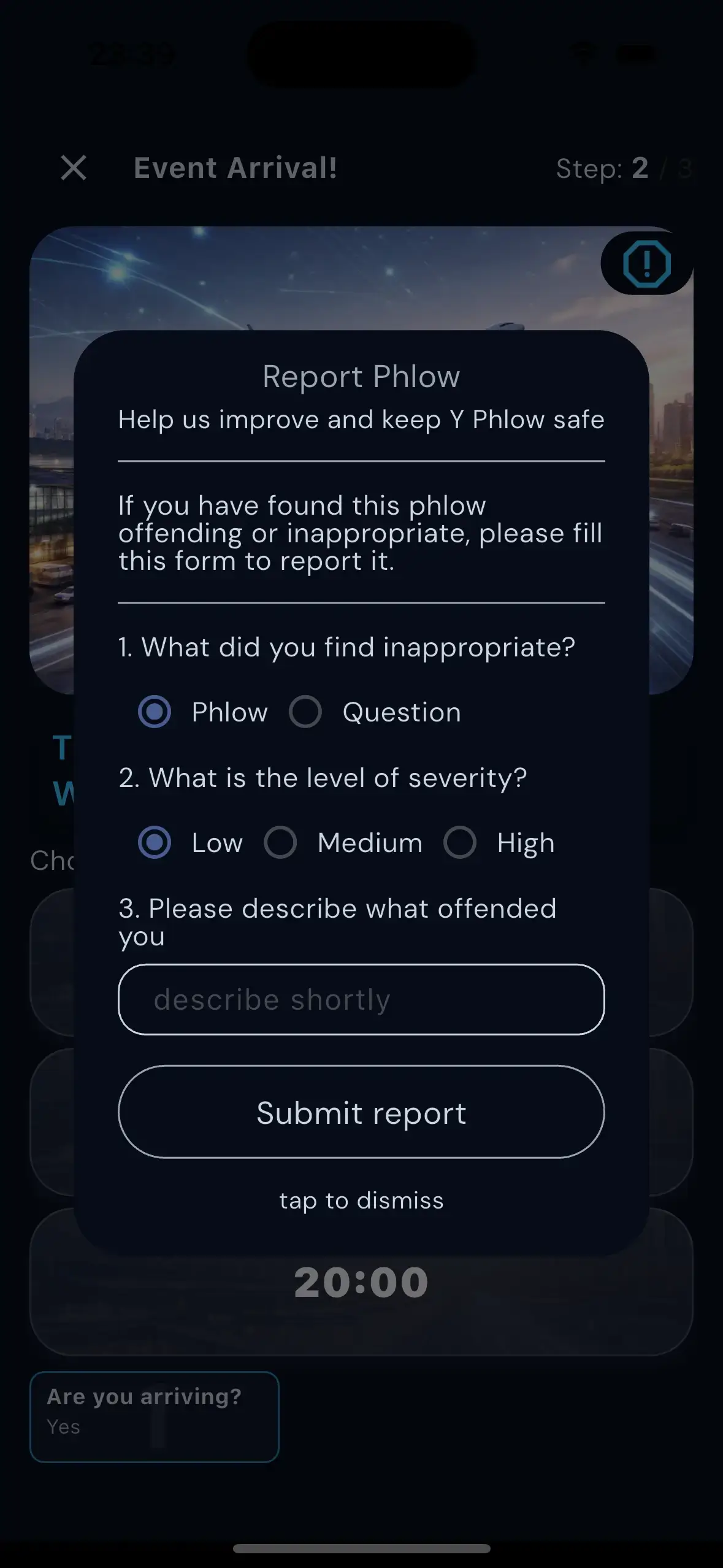
Y Phlow includes a strict moderation layer that protects the platform before and after publication. Every Phlow is automatically reviewed against a family-safe standard before it can go live, while participants can report inappropriate content from any node, helping maintain a safe and reliable environment.

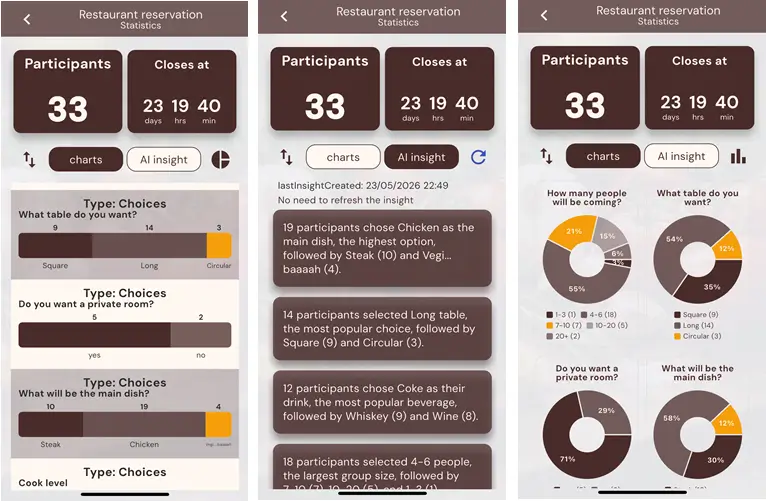
STATISTICS AND INSIGHTS

PHYLLIS - AI ASSISTANT

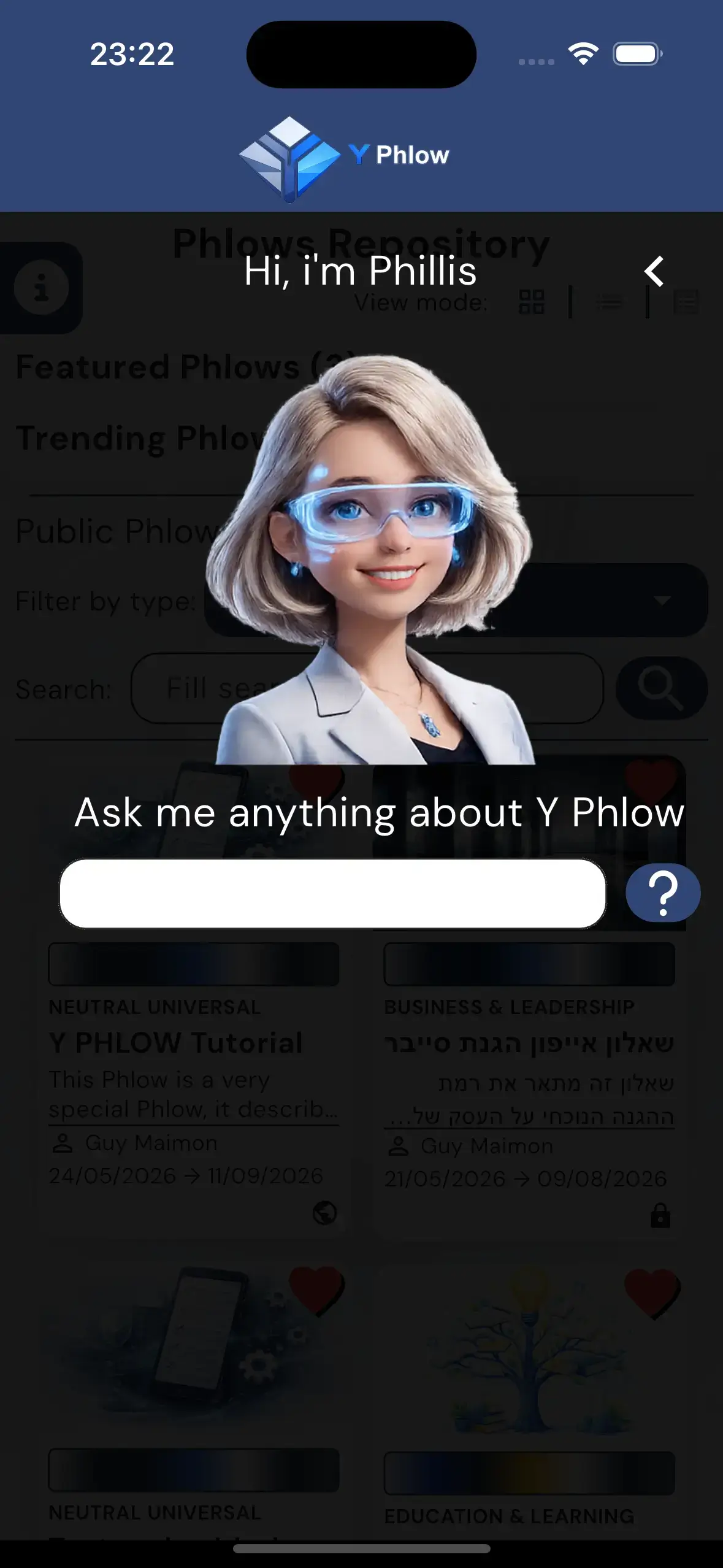
Welcome to Phyllis’s playground.
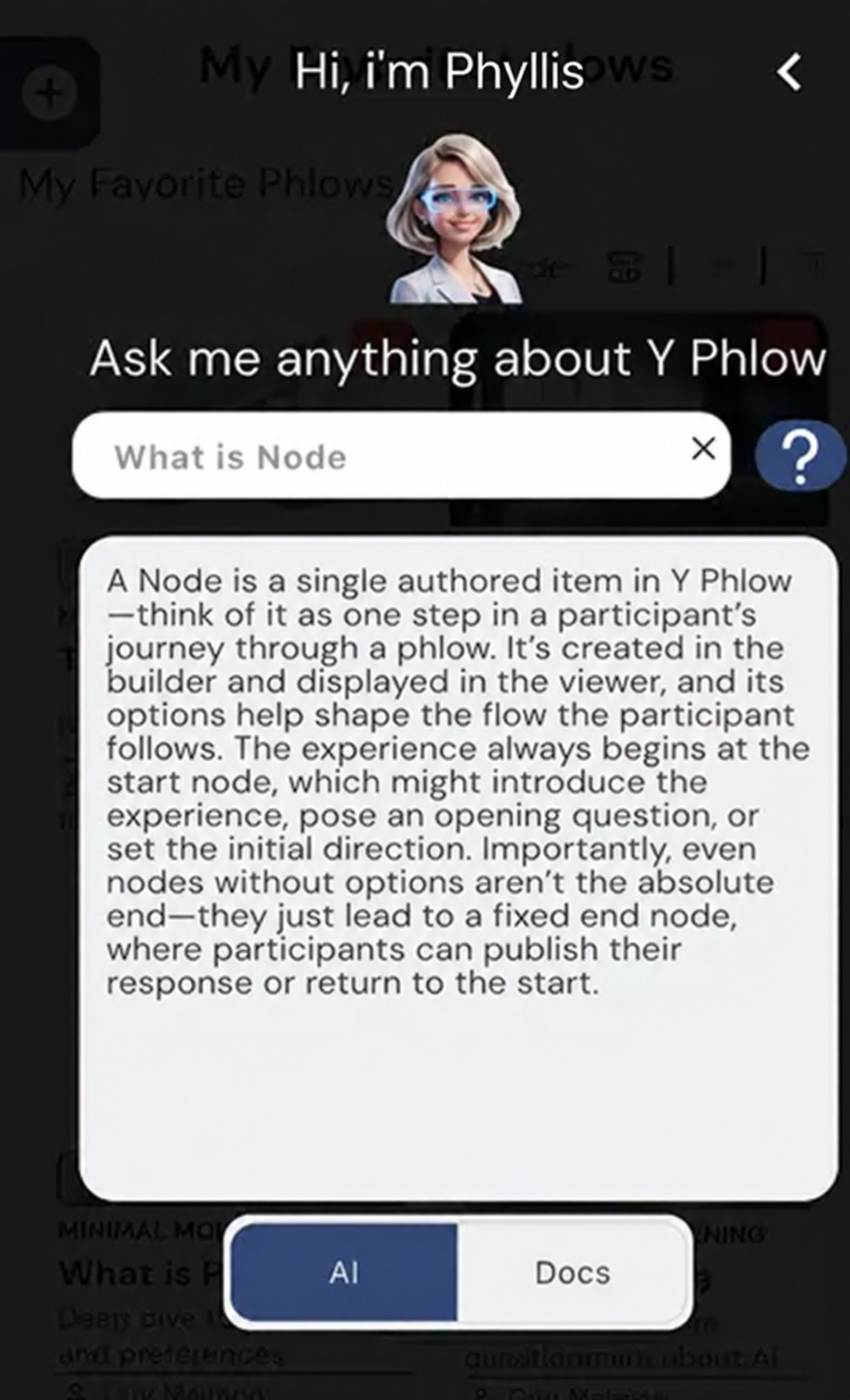
This is a live version of the same interactive helper built into the Y Phlow app. Phyllis is here to answer your questions about Y Phlow, explain how things work, and guide you through the different processes and features inside the app.
Ask her anything about Y Phlow and see how she can help.
TRY PHYLLIS NOW

PHLOW CREATION PROCESS

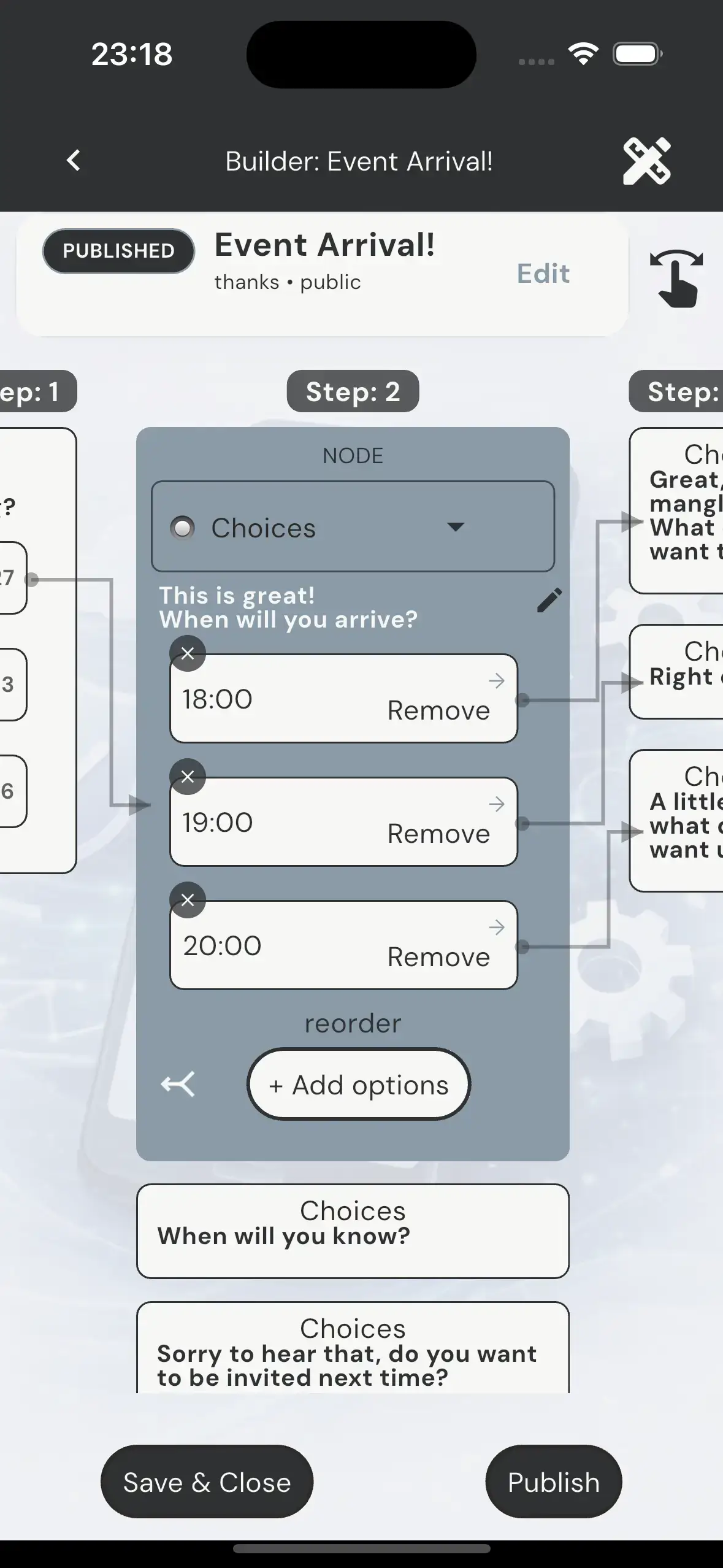
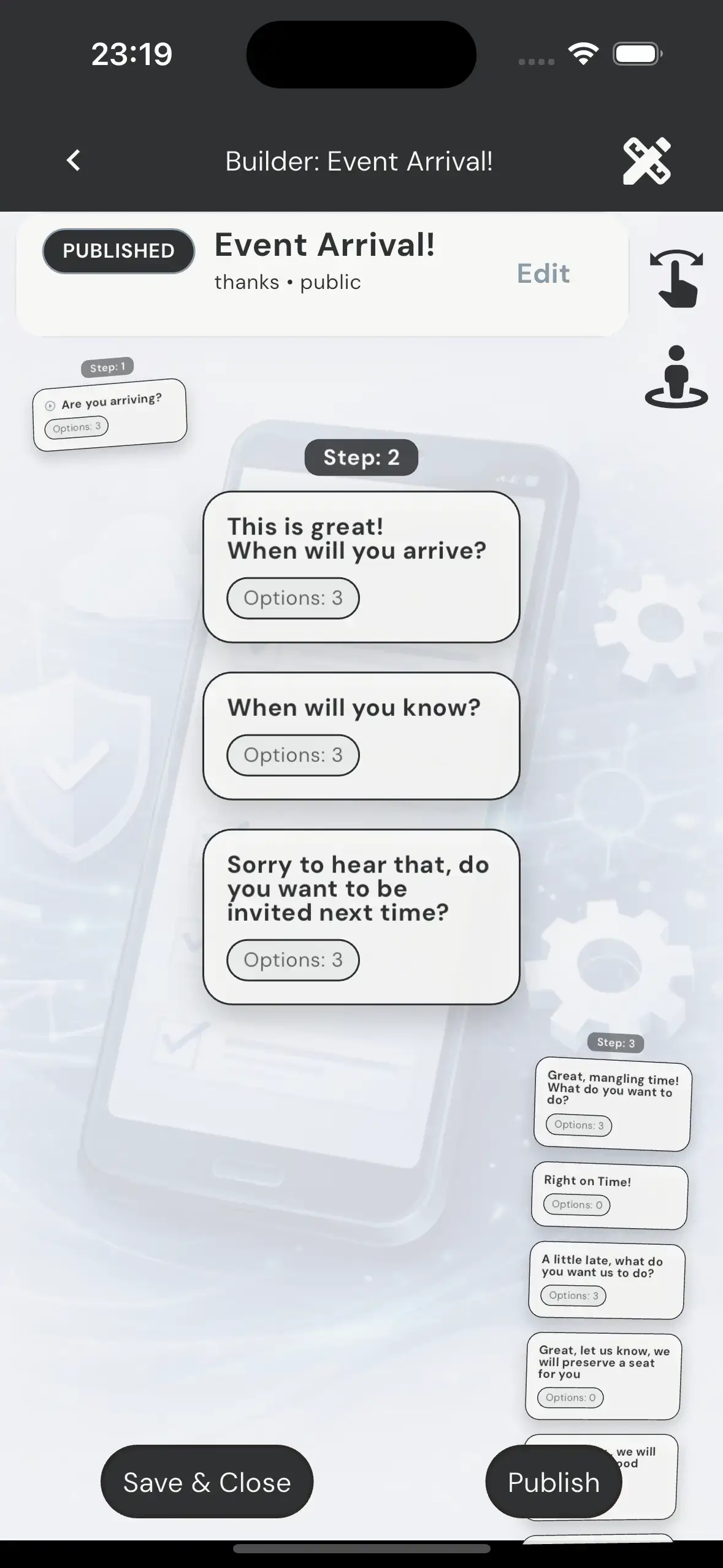
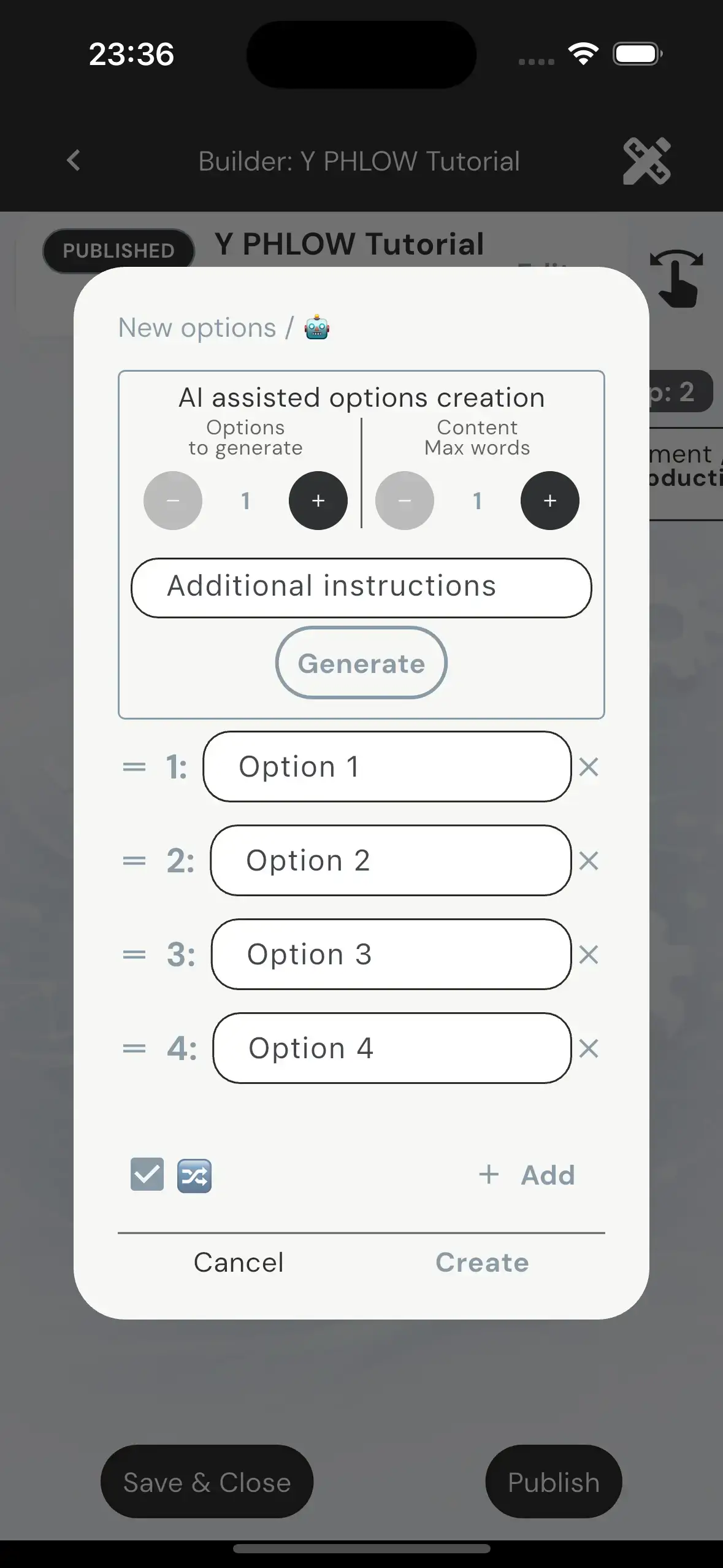
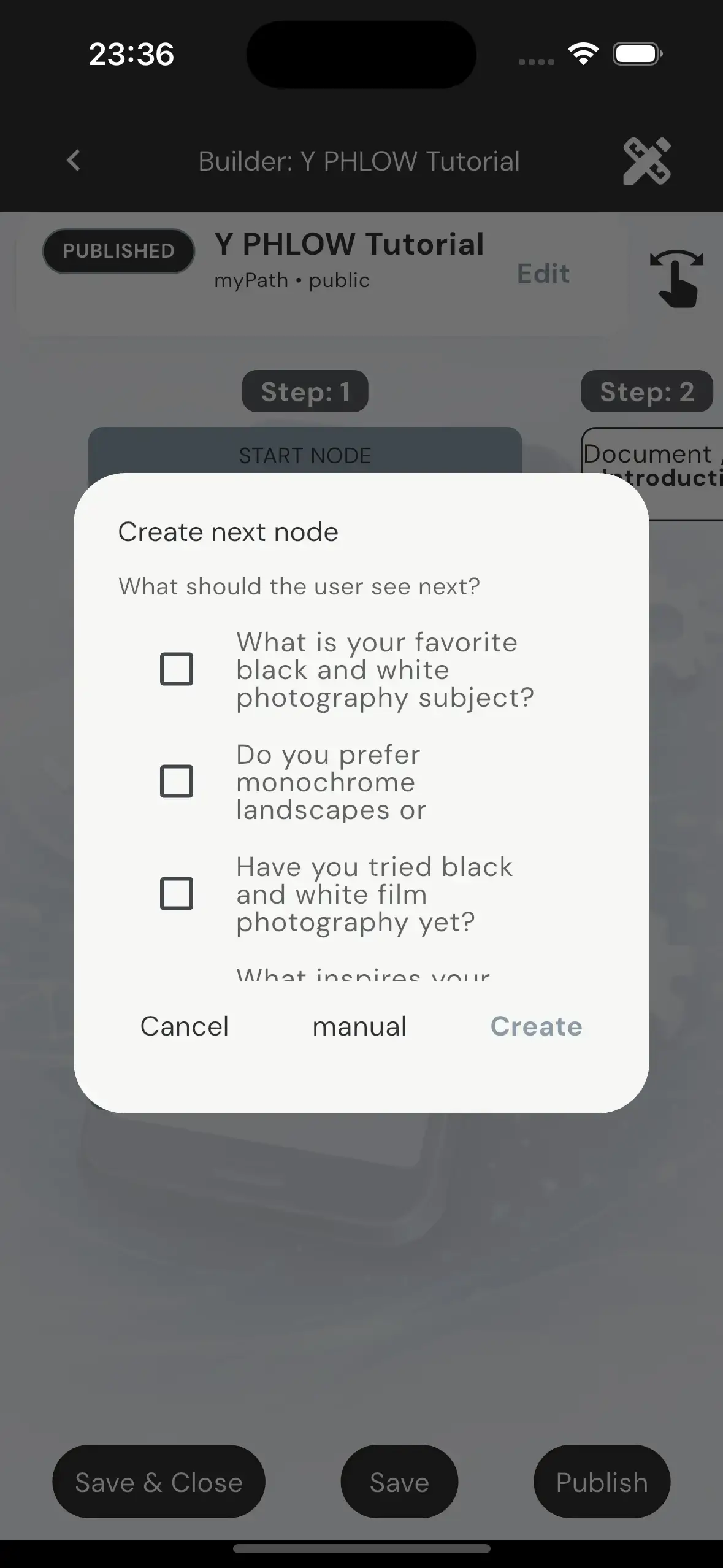
The entire process takes place on a visual canvas centered around one active node at a time, while still showing its surrounding context — including parent, sibling, and child nodes. This makes branching logic easier to understand, supports both linear and non-linear editing, enables node reuse, and allows AI-assisted creation without reducing author control.

NODES
Nodes are the core building units of a Phlow. Each node represents one active step in the participant journey, combining a prompt, optional content, and navigation options that determine what happens next. The underlying graph may branch or converge, but each participant always follows one clear, author-controlled path.

Y Phlow includes seven node types: Choices, Form, Attachment, Checklist, Image, Doc and Confirmation. They all share the same structural shell, but each one creates a different interaction model — from simple option selection and structured input to checklist selection, fixed visual context, or short informational content.

CHANNELS
Subscribe:
Channels give users a focused way to discover and follow Phlows from creators they choose. Each followed Channel becomes a permanent, recognizable home for its published Phlows, with optional notifications when something new is added—without relying on a massive public repository or social feed.
Create your Channel:
Every creator can build and manage a personal Creator Channel, complete with its own name, description, artwork, visibility, and shareable link or QR code. Phlows can be assigned to the Channel from their details, giving the creator one clear destination where followers can find and participate in their published work.
ADAPTIVE FRAMEWORKS
Adaptive Frameworks are protected, reusable journey structures created and maintained by Y Phlow or by professional authors. They allow users to adopt proven logic, customize selected content and branding, and publish the experience to their own audiences — without breaking the original structure, navigation, or methodology.

Acquiring an Adaptive Framework creates a private White-label copy that belongs to the author. This independent version can be branded, customized where permitted, and published to any audience, while the original framework's logic, navigation, and methodology remain fully protected.

At the Adaptive Framework level, Read-only permissions protect the methodology itself — including the navigation structure, node relationships, routing logic, evaluation model, and decision flow. At the same time, authors remain free to personalize the experience by customizing elements such as the title, description, branding, logo, and color mood, creating a White-label experience that reflects their own identity while preserving the integrity of the original framework.

Within an Adaptive Framework, each node can define its own level of customization. Editable Nodes allow authors to adapt content such as prompts, option labels, form fields, checklist items, documents, or even the node type itself. At the same time, the underlying methodology remains protected — routing, evaluation values, navigation targets, and the overall decision structure cannot be altered.

CanAttach provides a final layer of controlled White-label customization for selected protected nodes. Even when a node is locked, authors can update specific presentation elements—such as the prompt, an Image Node illustration, or the content of a Document Node—without affecting the framework's methodology. Navigation, options, evaluation values, and routing logic remain fully protected, ensuring that the original adaptive experience is preserved.

CLOSING NOTES
While this overview covers the core concepts, the full depth of Y Phlow is best understood through experience. Explore the Phlows repository and start building your own flows.
✨ Did you notice the hidden pattern?
Hover or tap the cards and watch the right border.
The colors follow a logic of their own.
Think you’ve figured it out?
Tell us: info@yphlow.com

Built and designed by Yahalom Software
With Phyllis' help